81
10 MEMORY/CALL OPERATION
New2001
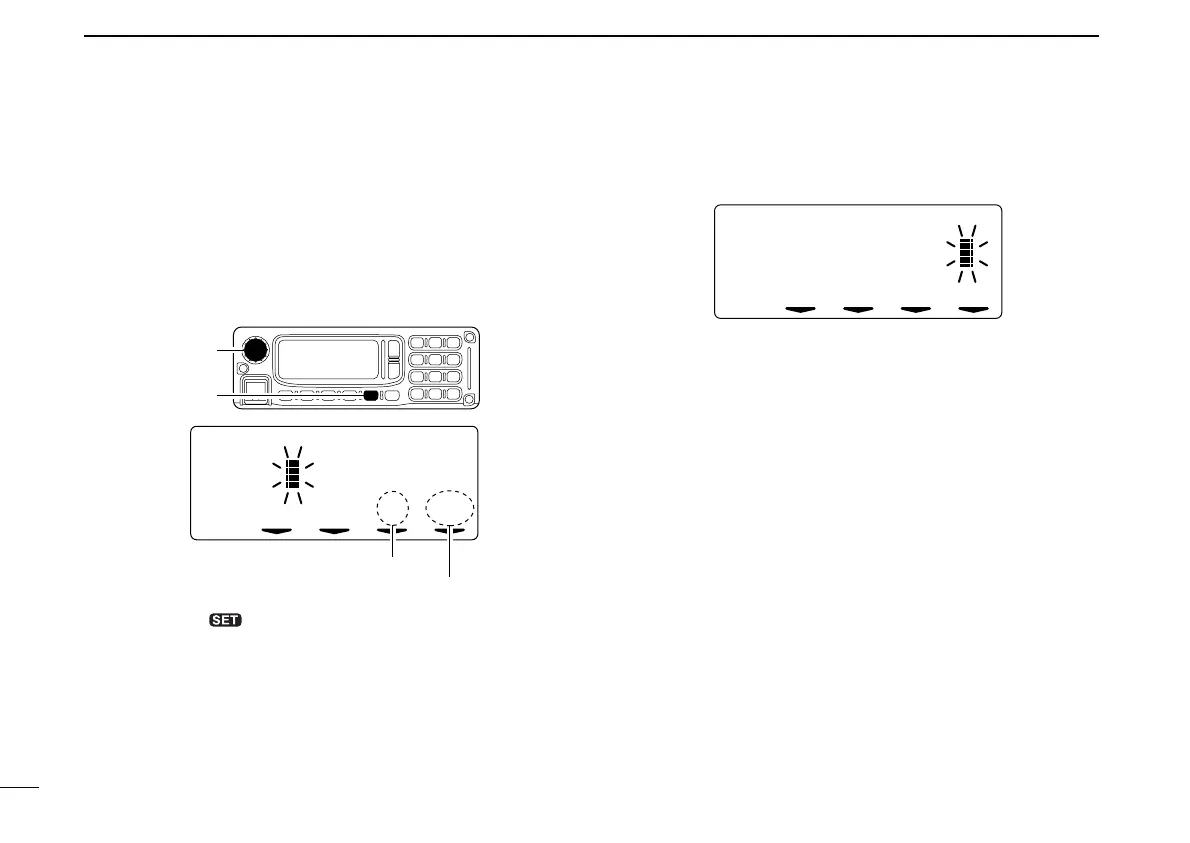
tPush [SQL] several times to select the desired character
group, then rotate [DIAL] to select the desired character.
• AB : Alphabets (Capital: A to Z)
• ab : Alphabets (Small letter: a to z)
• 12 : Numbers (0 to 9)
• _/ : Symbols (space and /)
• !" : Symbols (! “ # $ % & ’ ( ) ✱ + , – . : ; < = > ? @ [ \ ] ^ _ ` {
| } ~)
yPush [TXinh• ] to enter the selected character.
• The cursor move to right automatically.
uRepeat the steps r to y to enter the desired memory
name.
iPush [MN•9] for 0.5 sec. to program the memory name and
exit the edit condition.
• 1 short and 1 long beep will sound.
• Return to memory mode automatically.
oRepeat steps w to i to program another memory names.
çå A AB
Name:
[SQL]
Shows the selected character.
Shows the selected character group.
[DIAL]
ID-1_ENG_2.qxd 04.9.22 9:30 Page 81 (1,1)



 To Next Page