BASIC OPERATION
3
18
1
7
4
10
15
18
2
8
13
5
11
16
3
9
14
6
12
17
BASIC MANUAL
■ Home Channel function
You can set an often-used frequency, Memory channel,
or repeater as a Home Channel in VFO mode, Memory
mode, and DR screen. When a Home CH is selected by
rotating [DIAL], a beep sounds. You will know the Home
CH selection without looking at the display.
D Setting a Home Channel
1. Select the VFO mode, Memory mode, or the DR
screen to set a Home Channel. (p. 14)
2. Select a frequency, Memory channel, or access
repeater to be set as a Home Channel. (p. 16)
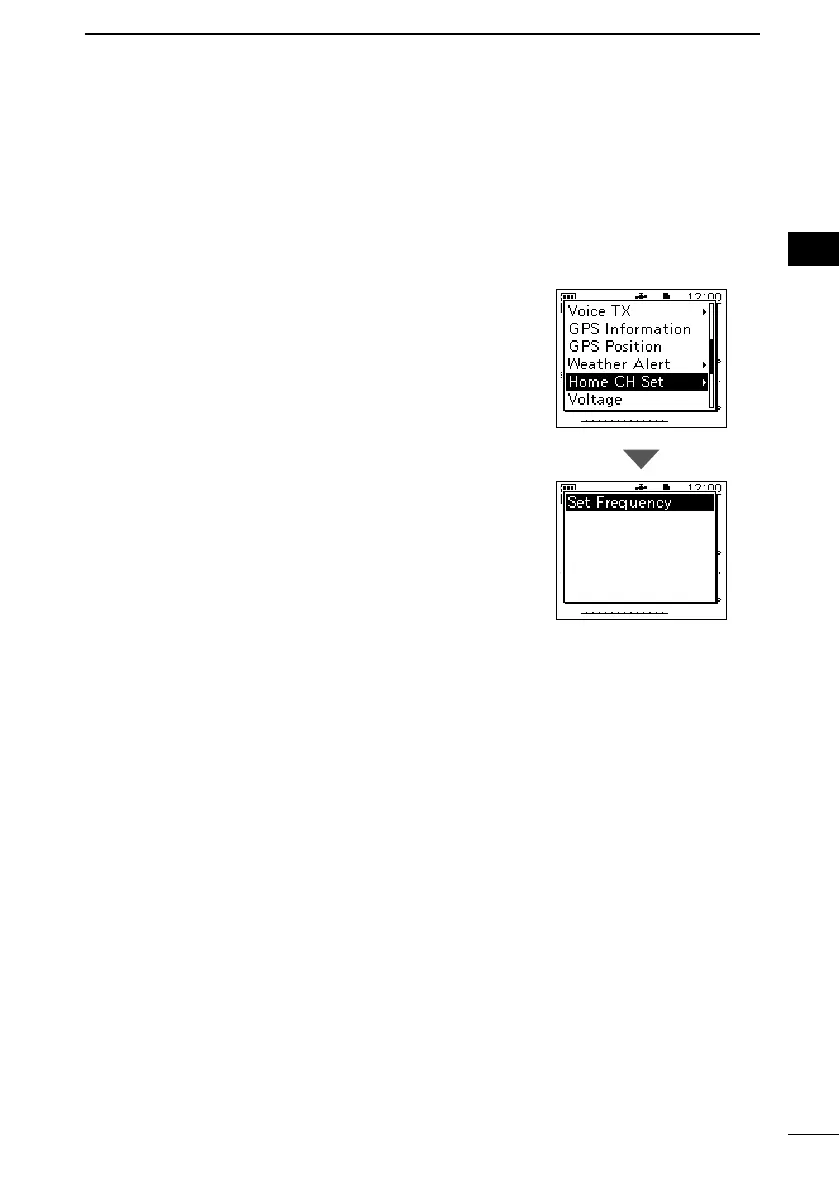
3. Push [QUICK].
4. Select “Home CH Set.”
5. Select “Set Frequency” (VFO mode), “Set Channel”
(Memory mode), or “Set Repeater” (DR screen).
• Sets a Home Channel, then returns to the standby
screen.



 To Next Page