9
indicate a fault.
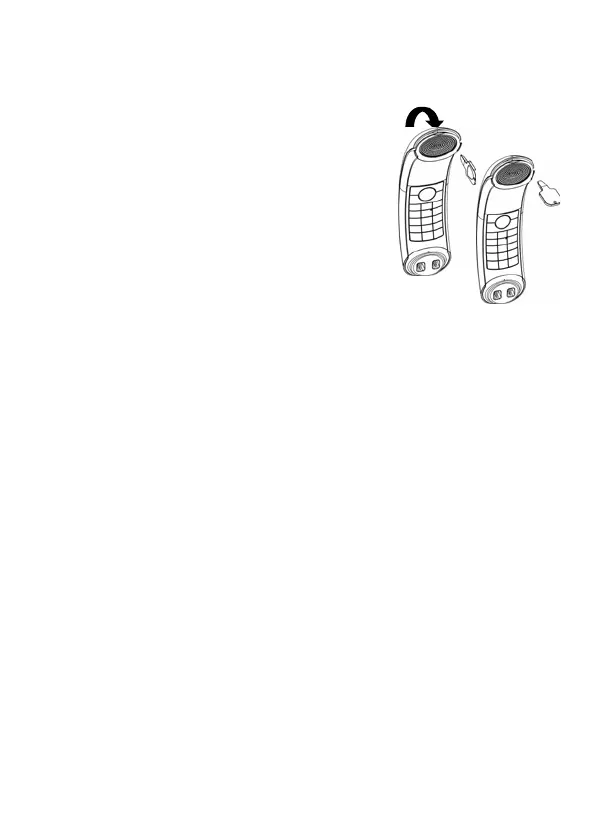
2.3 Removing the back cover of the ECLIPSE Handset
Insert the cover unlock tool provided into the groove as
indicated in the illustration and twist it clockwise to
release the back cover.
If you have a broadband line
If you connect your telephone to a line with a
broadband connection, you will need to insert
a micro-filter between the telephone and the
telephone line; otherwise you may get
interference between the telephone and the broadband,
which could cause problems.
In a home with broadband, every telephone must have a micro-filter
connected, not just the one at the telephone point that your modem is
connected to.
If you need more broadband micro-filters contact your broadband
supplier.



 To Next Page