59
11.6.3 Delete a Personal Announcement
If you want to return to using the default announcement, simply delete
your personal announcement.
- On Your ECLIPSE Handset
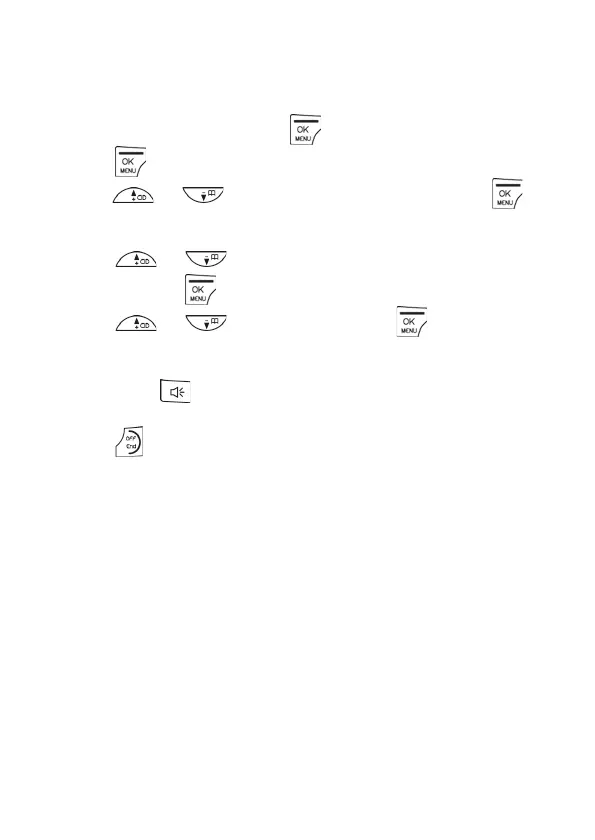
1. From the home screen, press .
2. Press again to select ANS. SYSTEM.
3. Press / to ANNOUNCEMENT and then press to
select.
4. Press / to select ANSWER ONLY or RECORD MSGS
and then press to confirm.
5. Press / to DELETE and press to confirm.
• The default pre-recorded announcement plays through the
phone’s speaker.
• Press if you wish to listen to the announcement
privately over the earpiece.
6. Press
to return to standby mode.
11.7 Remote Access
The phone lets you listen to the messages on your answering machine, or
otherwise operate your answering machine by calling in to your
answering machine from another touch-tone phone.
You need to enter a remote access code (same as your Master PIN) to
access your answering machine remotely.
The remote access code is used to prevent unauthorised access of your
answering machine.
Remote Access must be enabled if you want to use this feature.
(See on page 53.)



 To Next Page