52
11.3 Answering Machine Settings
11.3.1 Set the Ring Delay
You can select the number of rings before the answering machine
answers a call and starts playing the announcement.
You can set the delay from 2 to 7 RINGS or TOLL SAVER on the ECLIPSE
Handset.
IMPORTANT: If your network voice messaging system (e.g. the 1571
service) is enabled, you must set your RING DELAY to less than 6 rings;
otherwise the network service will answer all your calls before the
answering machine of your telephone and prevent it from recording any
messages.
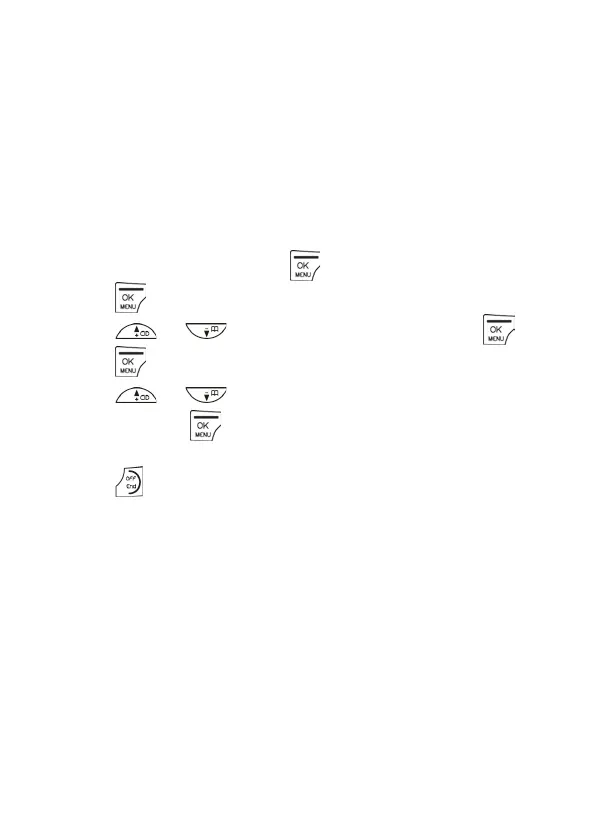
- On Your ECLIPSE Handset
1. From the home screen, press .
2. Press again to select ANS. SYSTEM.
3. Press / to ANS. SETTING and then press .
4. Press to select RING DELAY.
5. Press / to select 2 RINGS – 7 RINGS or TOLL SAVER
and then press to confirm.
• A confirmation tone is played.
6. Press
to return to standby mode.
Note: If you select TOLL SAVER on the ECLIPSE Handset, the answering
machine will answer an incoming call on the fifth ring if you have no new
messages and on the third ring if you do.
When you call your answering machine to check messages, if it does not
answer on the third ring, then you can hang up immediately, knowing
that you have no new messages. This feature can save you the cost of a
long-distance call when you check your messages remotely.



 To Next Page