36
8.1.1 Change the Time Format
The time can be displayed either as 12-hour or 24-hour. The default
setting is 24 HOURS.
- On Your ECLIPSE Handset
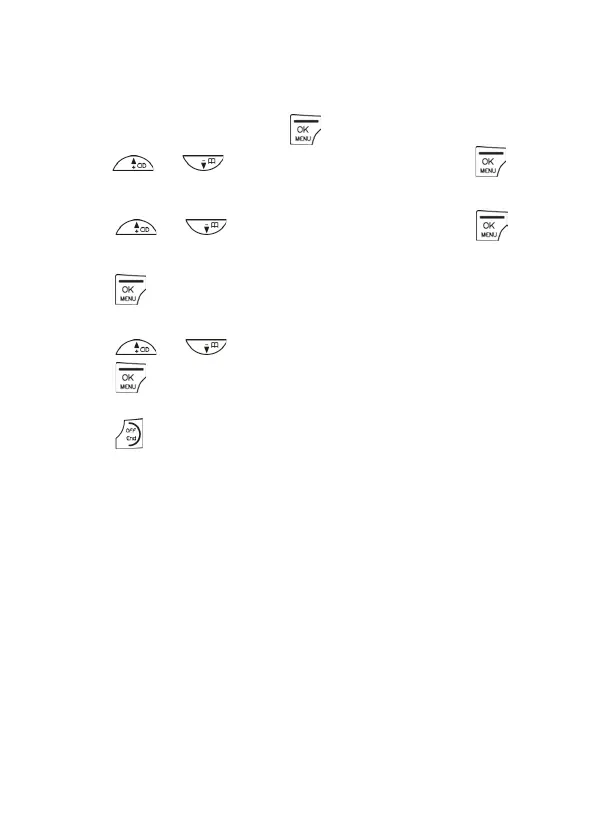
1. From the home screen, press .
2. Press / to CLOCK&ALARM and then press to
select.
3. Press / to SET FORMAT and then press to
select.
4. Press again to select TIME FORMAT.
• The current setting is displayed.
5. Press / to select 12 HOURS or 24 HOURS and then
press
to confirm.
• A confirmation tone is played.
6. Press
to return to standby mode.



 To Next Page