iDirect Satellite Router Installation and Commissioning Guide 107
iDX Release 3.3
Remote Installer Duties
18.2.2 Recording Remote Status Using Web iSite
Follow the steps in this section to record remote status for Evolution X1, X7, and e150
Satellite Routers.
To Display Status:
1. Open a We
b browser and log in to the Satellite Router as either user or admin. (See “IP
Address” on page41 for details).
2. In the navigation bar at the top of the We
b iSite window, click the Status button. The
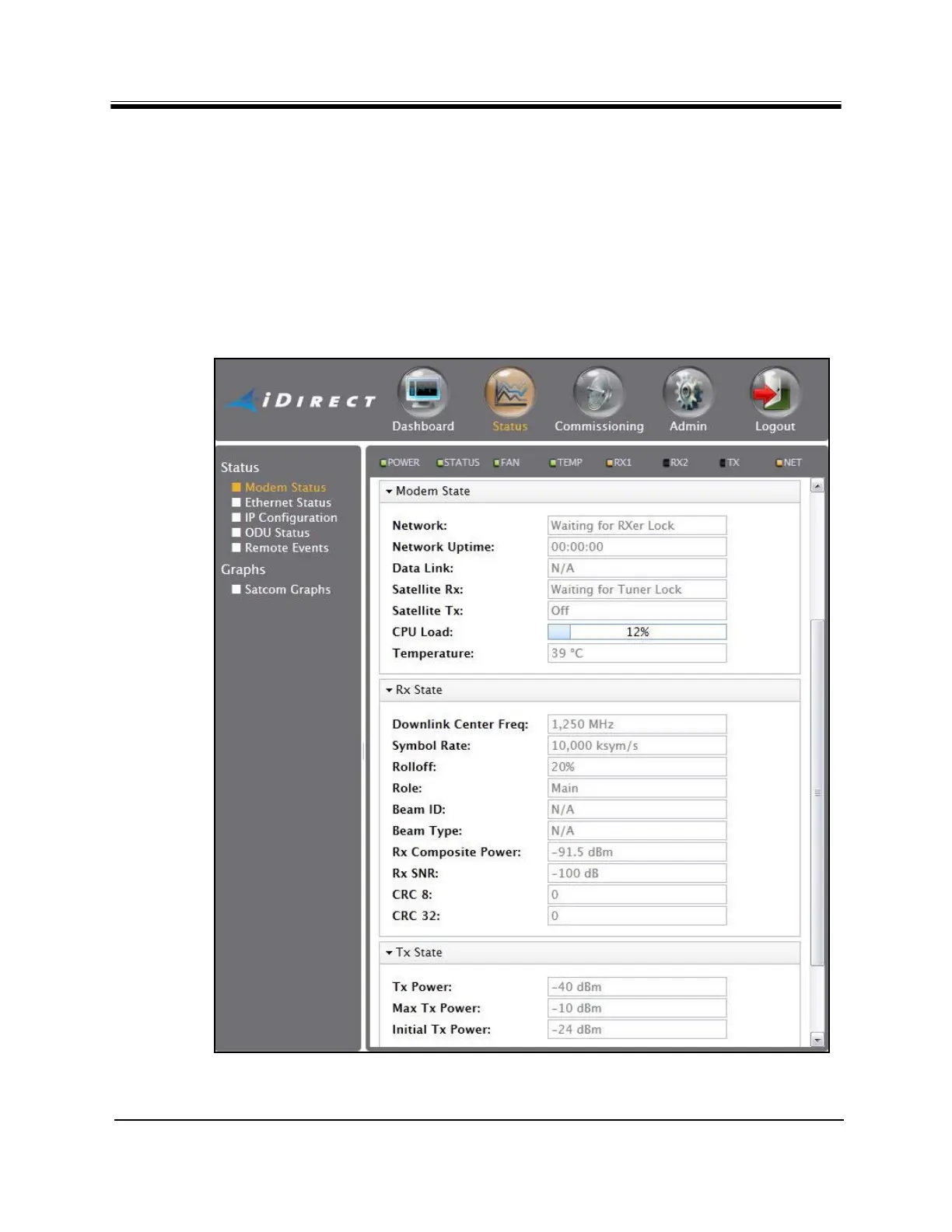
Modem Status page appears by default. If not, click the Modem Status link on the left.
See Figure 60.
Figure 60. Web iSite Modem Status Page



 To Next Page