20 iDirect Satellite Router Installation and Commissioning Guide
iDX Release 3.3
Retrieving the IP Address using the Console Port
3.3.3 Retrieving the IP Address
After logging in to the iDirect Application program, retrieve the IP address and subnet mask.
To display the IP address and Subnet Mask:
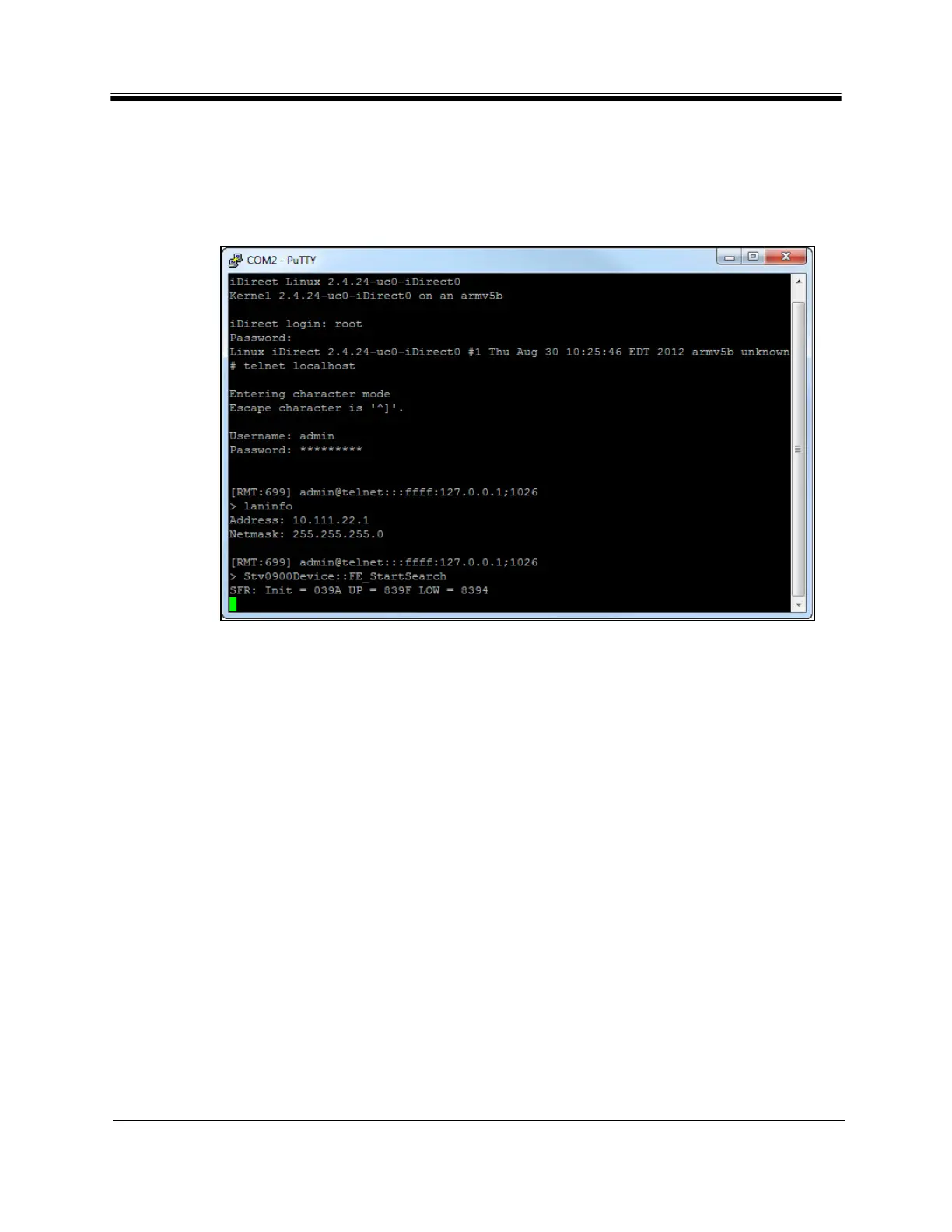
1. At the command line promp
t, enter laninfo (Figure 11).
Figure 11. Entering the laninfo Comma
nd
laninfo displays the current IP Addres
s and net mask of the Satellite Router. In Figure 11,
the IP address is 10.111.22.1, and the subnet mask is 255.255.255.0
. Use this information to
configure the local PC when connecting to the Satellite Router via the LAN port. See “Local
Area Connection” on page14.



 To Next Page