14 iDirect Satellite Router Installation and Commissioning Guide
iDX Release 3.3
Local Area Connection
3.2 Local Area Connection
To connect using the LAN port, the local PC must be in the same subnet as the Satellite
Router. This is done by modifying the TCP properties of the Local Area Connection on the local
PC. The following section uses the Windows 7 operating system to illustrate the procedure.
To modify the Local Area Connection:
1. In Control Panel, click Netw
ork Sharing Center.
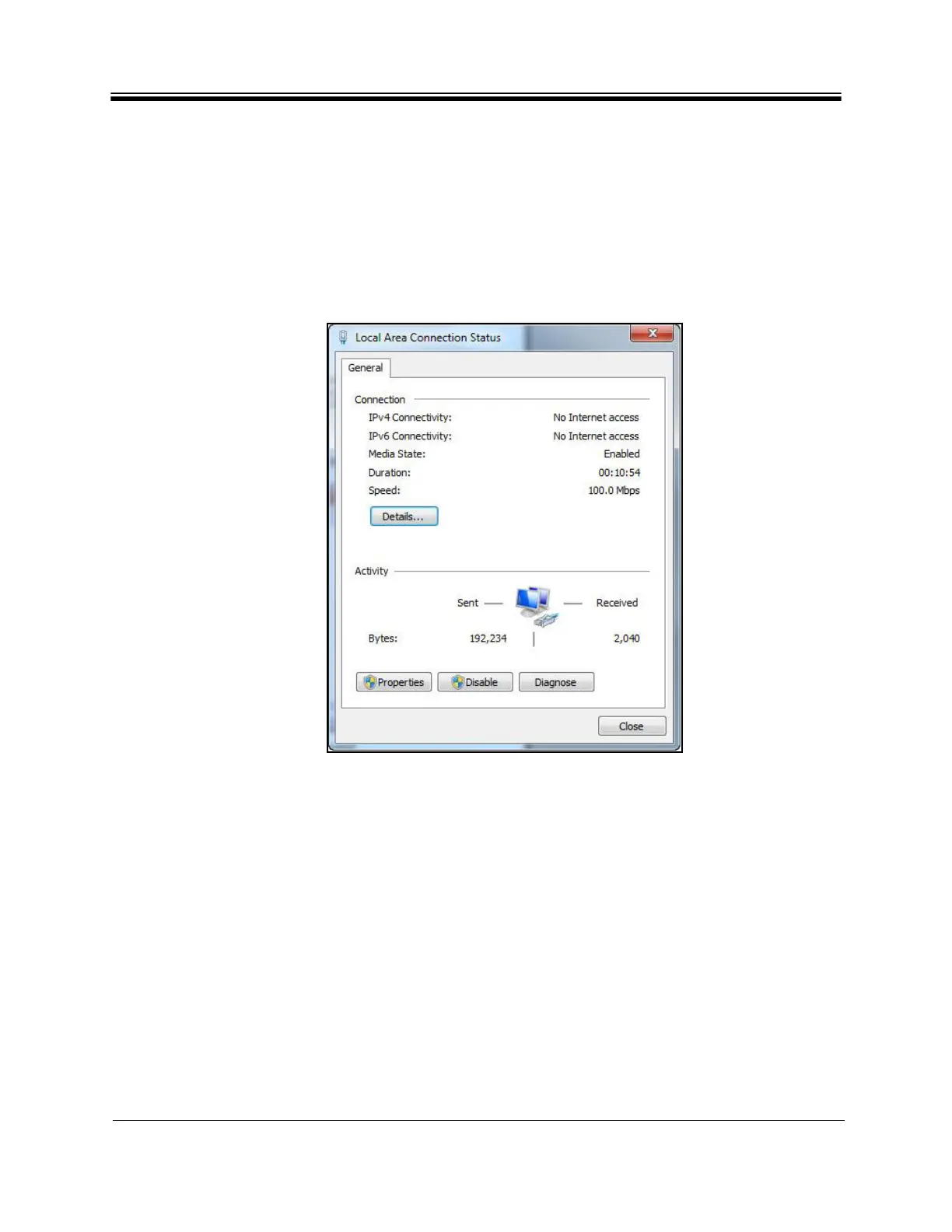
2. Double-click Loca
l Area Connection to display the Status dialog box.
Figure 4. Local Area Connection Status Dialog Box



 To Next Page