48 iDirect Satellite Router Installation and Commissioning Guide
iDX Release 3.3
Loading Packages with Web iSite
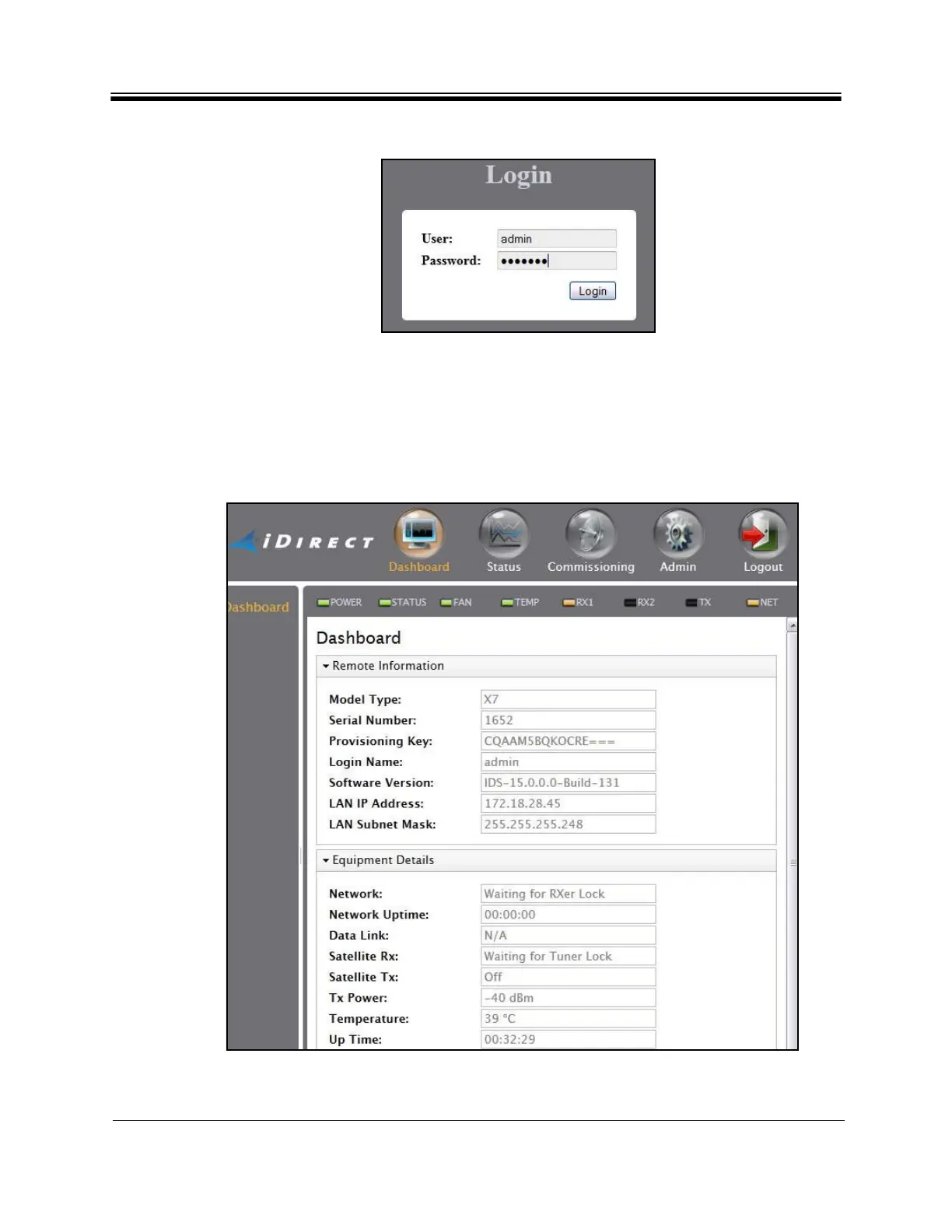
Figure 28. Web iSite Login Page
Note: The factory default admin password is iDirect. However
, after an options file
has been loaded and the Satellite Router has been reset, the password
changes to match the password in the options file.
After login, the Web iSite Dashboard appears with basic information about the Satellite
Ro
uter, such as the Model Type and Serial Number. Figure 29 shows a partial example of the
X7 Dashboard.
Fi
gure 29. Web iSite Dashboard Exam
ple: Evolution X7



 To Next Page