80 iDirect Satellite Router Installation and Commissioning Guide
iDX Release 3.3
Overview
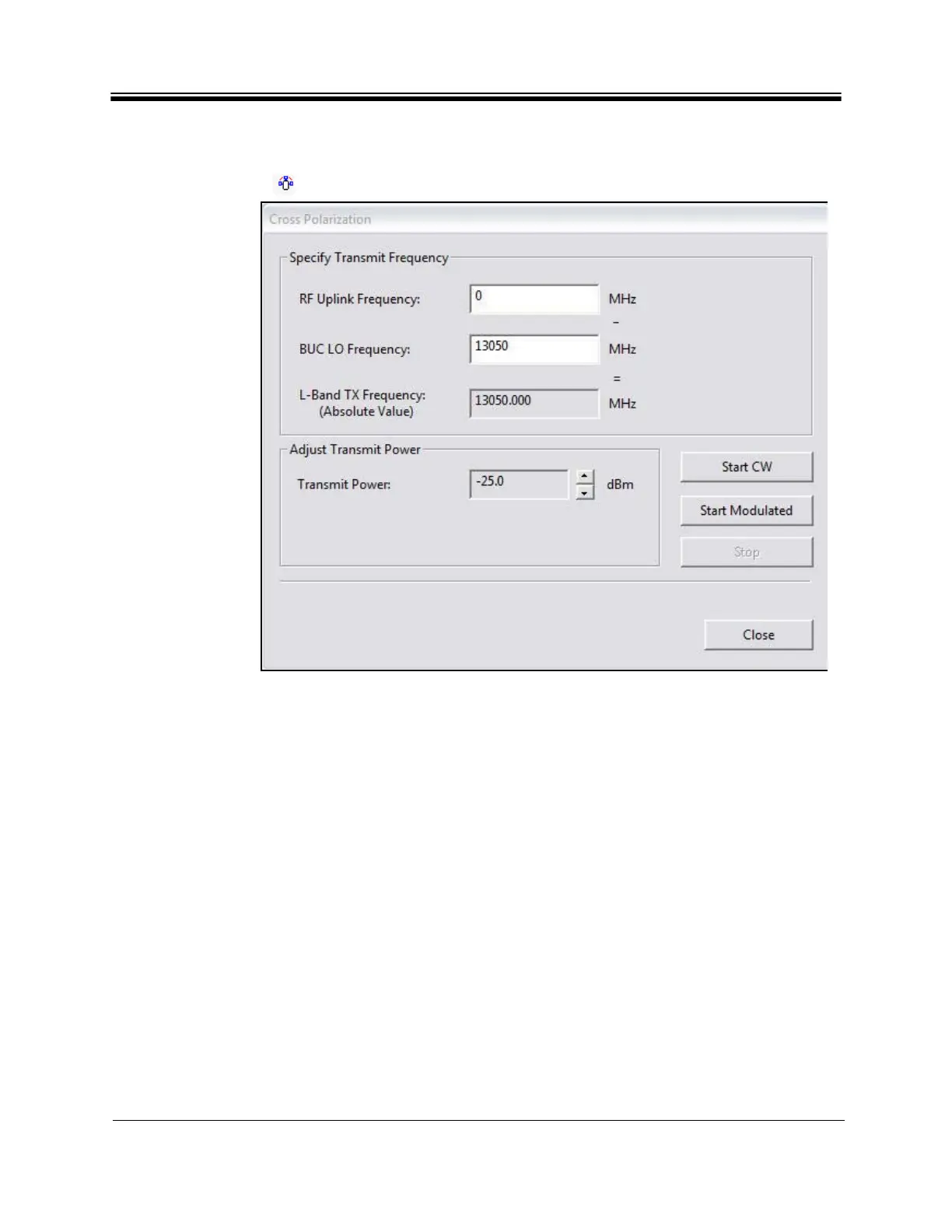
7. If using iSite, right-click the Remote in the iSite Tree View and select Align Antenna
Cross Polarization to open the Cross Polarization dialog box (Figure 46). Alternately,
click the icon in the tool bar.
Figure 46. iSite Cross Polarization Dialog Box
8. If using Web iSite:
a. In the navigation bar at the top of the We
b iSite window, click the Commissioning
button.
b. Click the Cross P
olarization link on the left to view the Cross Polarization page. See
Figure 47.



 To Next Page