54 iDirect Satellite Router Installation and Commissioning Guide
iDX Release 3.3
Loading Options Files with Web iSite
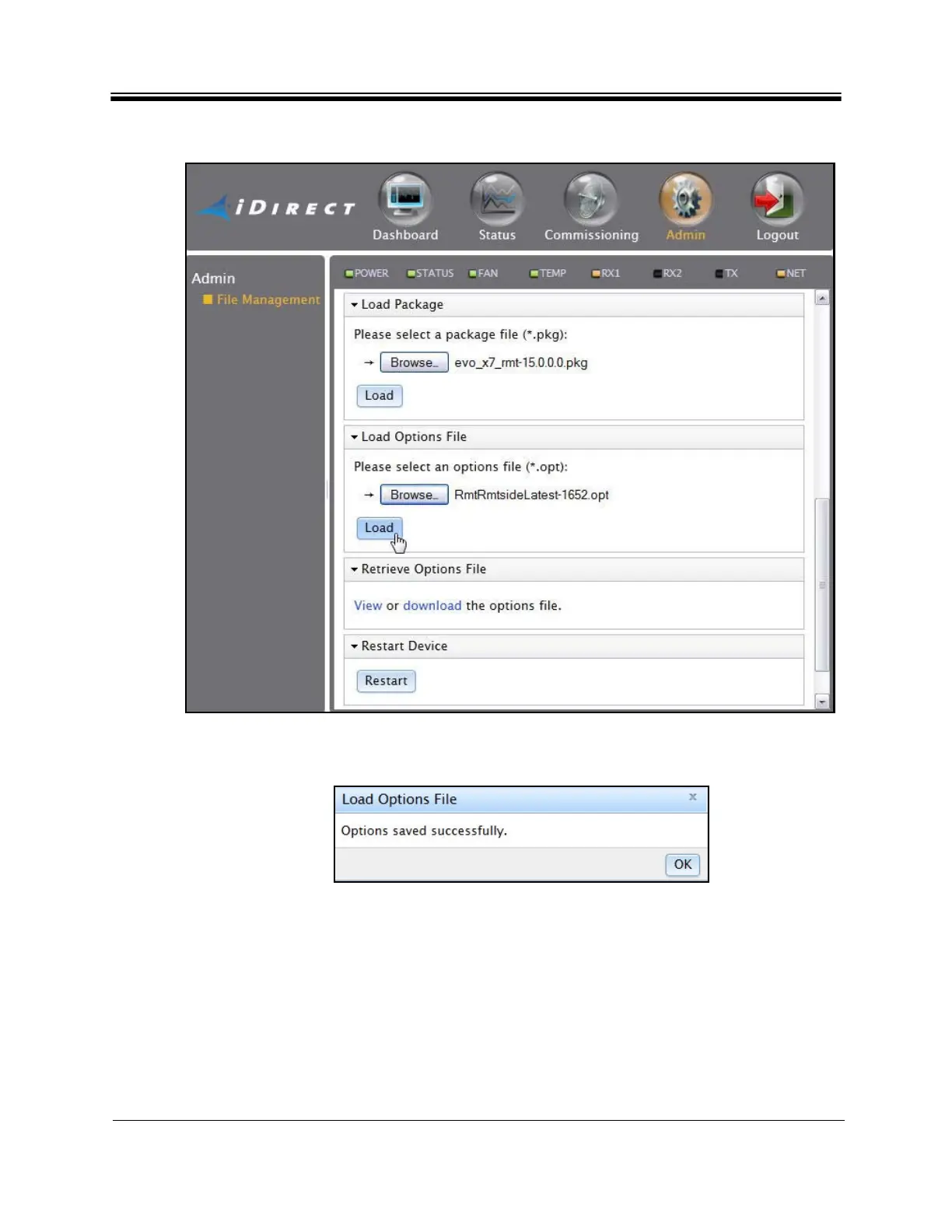
Figure 33. File Management: Load Options File
5. Click Load. The Load
Options File status box (Figure 34) appears upon completion.
Figure 34. Load Options File Status Box
6. Close the Load O
ptions File status box.
7. In the Restart De
vice section of the File Management page, click Restart.
8. If this is an Evolution X7 Satellite Router:
a. Wait until the Satellite Router restarts.
b. Log on to Web iSite.



 To Next Page