22
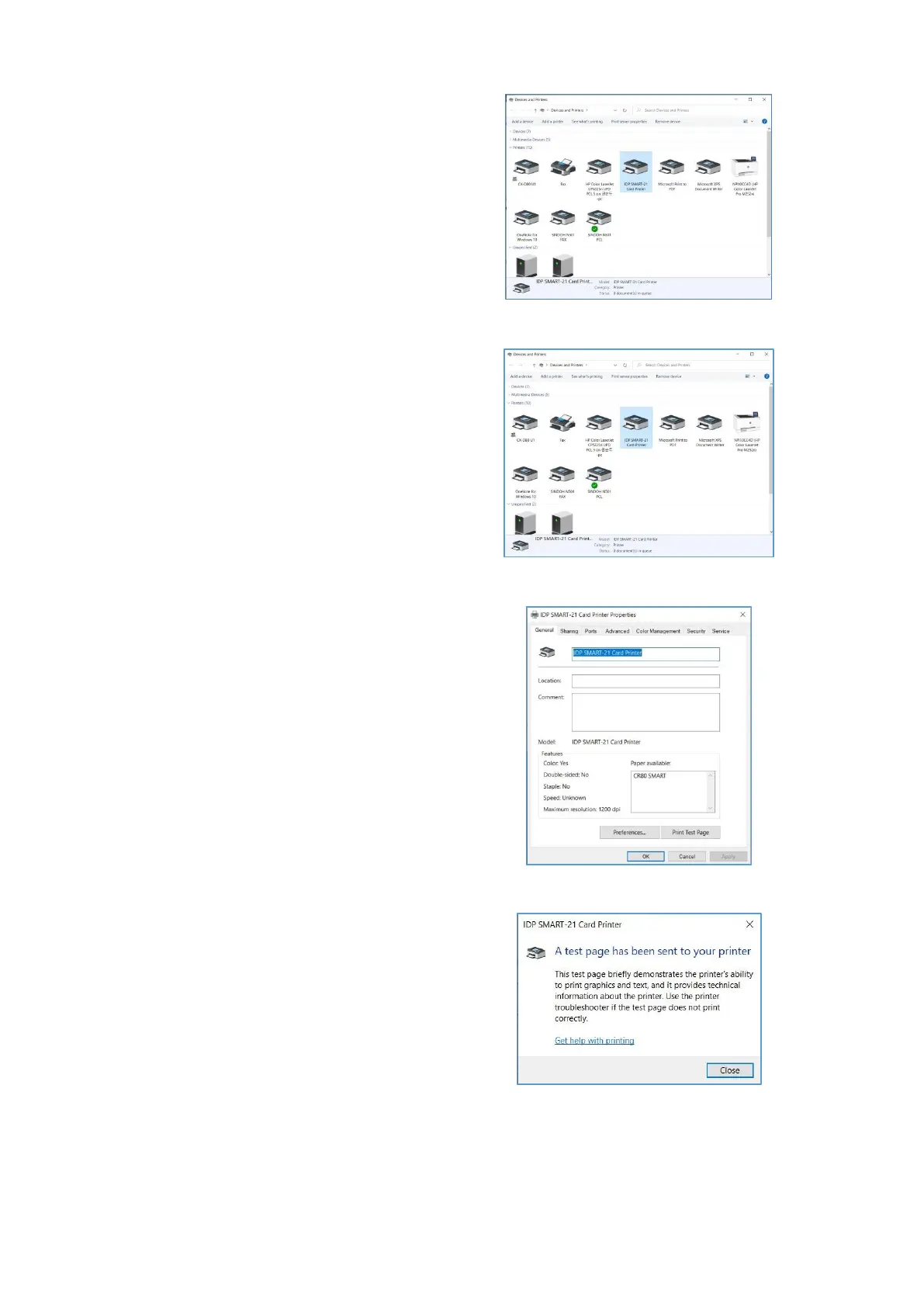
(10) Please open “Devices and
Printers” from “Hardware and
Sound”. Please check if “IDP
SMART-21 Card Printer” is created.
Figure 30 Install Windows driver 10
(11) Please click the right mouse
button after cursor is placed on “IDP
SMART-21 Card Printer” icon. Click
“Printer properties”.
Figure 31 Install Windows driver 11
(12) Please select “general” tab and
click “Print test page” in “IDP
SMART-21 Card Printer Properties”
window.
Figure 32 Install Windows driver 12
(13) Please check test card if it is
printed properly and click “Close” if
a card is printed properly.
(If card is not printed or error comes out,
please refer to “Trouble Shooting”.)
Figure 33 Install Windows driver 13



 To Next Page