50
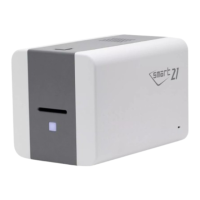
THIS FEATURE IS NOT SUPPORTED IN SMART-21.
THIS FEATURE IS NOT SUPPORTED IN SMART-21.
THIS FEATURE IS NOT SUPPORTED IN SMART-21.
All ribbons are used
-. Install the new ribbon after purchasing it in the place of purchase
Ribbon is not installed or not searched
-. Install a ribbon if not
-. Check usage of a genuine ribbon
Thermal Print Head is not installed or not recognized
-. Check the print head installation
-. Contact the place of purchase
Thermal Print Head is overheated
-. Lower the temperature when the temperature of circumstance is too high
-. Take a stop for 10 minutes and print again.
-. Contact the place of purchase if this message is shown regularly
Error occurs when the abnormal printing data is transmitted.
-. Replace the USB cable USB
-. Change the USB port in the PC
-. Reinstall the printer driver
The password is not correct
-. Input the correct password
-. Contact the place of purchase if you forget the password
Failed to execute a command of the printer
-. Replace the USB cable USB
-. Change the USB port in the PC
-. Turn off/on the printer
The printing data is full in the spooler
-. This message disappear after printing all data to send
-. Turn off/on the printer if the spool data is full without printing



 To Next Page