ID TECH Kiosk V User Manual
Page | 12
1
Transaction Failed
Beeps
Twice
6.1. Tamper and Failed Self-Check Indicators
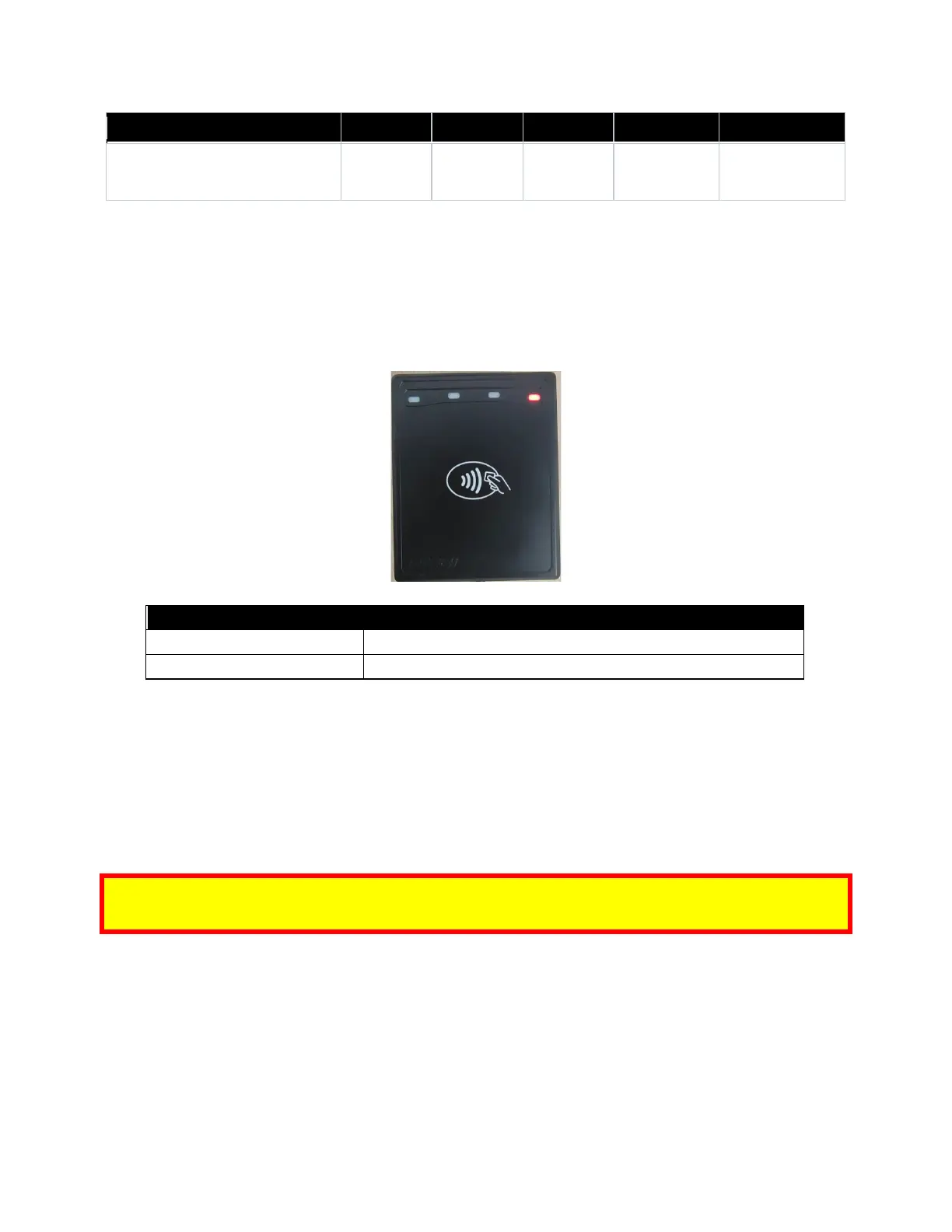
The KIOSK V displays the following indicators when it has been tampered or has any of the other
following internal issues, such as an expired certificate, missing key, or similar fault discovered during
a self-check.
6.2. iOS Connectivity: BLE and KIOSK V
The KIOSK V uses Bluetooth 5.0, also known as Bluetooth BLE (Bluetooth Low Energy). Unlike
previous versions of Bluetooth, BLE does not require users to first pair their devices through the
Bluetooth Settings in Apple iOS. If a payment application provider has enabled BLE scanning in their
application, Apple iOS scans and locates all BLE devices in range to automatically connect with the
KIOSK V.
It is critical to note that if the KIOSK V is paired via the iOS Settings page, it will display as a
connected device but not function with a payment app.
Unlike other operating systems that can detect or specify a BLE device by its MAC address, Apple
does NOT allow users to specify a BLE device by MAC address for security reasons. Instead, after a
device is selected by its "friendly" name (see the next paragraph), the Apple iOS calculates a unique
identifier to allow any that device to make further connections directly.














 To Next Page