ID TECH Kiosk V User Manual
Page | 17
8.3. Connecting to Power
The Kiosk V can be powered via the USB port.
8.4. Communication via USB
The PID is 4690 (hex).
8.5. Connecting to the Data Port
The Kiosk V connects via USB-C.
8.6. Using the Kiosk V to Make a Purchase
The section below describes how to use the Kiosk V to make purchases.
8.6.1. Presenting Cards or NFC Phones
The Kiosk V supports Open Loop and Close Loop payments using Contactless/NFC/ technology.
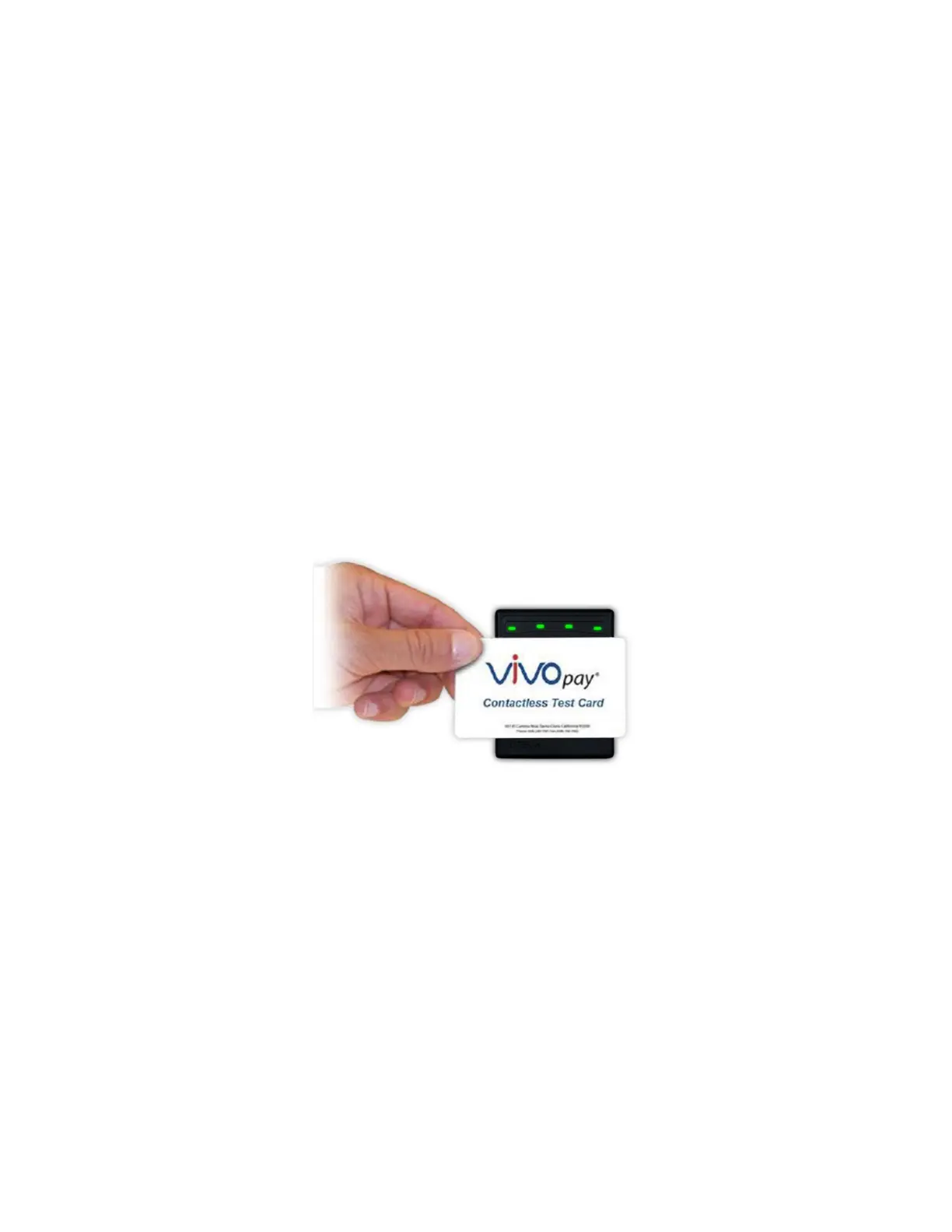
Present the card/phone in close proximity to the front portion of the Kiosk V. Present the card/phone
so that maximum surface area is parallel to the Kiosk V as shown here:
The Kiosk V should beep, and the four green LEDs should illuminate in sequence, then all will
illuminate together, briefly (750 msec), to indicate a successful test.
This tests the Kiosk V’s ability to read the Contactless test card. The reader produces no reaction in
the case of an unsuccessful test. If you use a test card and the Kiosk V, a dummy transaction can be
tested. The transaction will not be authorized and will come back with a response but will at least
test for end-to-end connectivity. ID TECH’s Universal SDK Demo App (uDemo) is available free of
charge for this test.














 To Next Page