4
2 Function and features
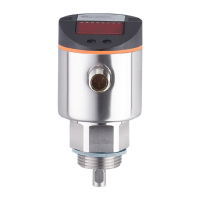
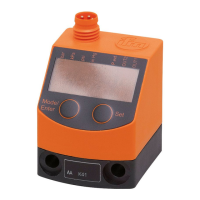
The pressure sensor detects the system pressure�•
It shows the current system pressure on its display�•
It generates 2 output signals according to the set output configuration�•
OUT1: switching signal for system pressure� -
OUT2: switching signal for system pressure or diagnostic signal� -
Applications
Type of pressure: relative pressure
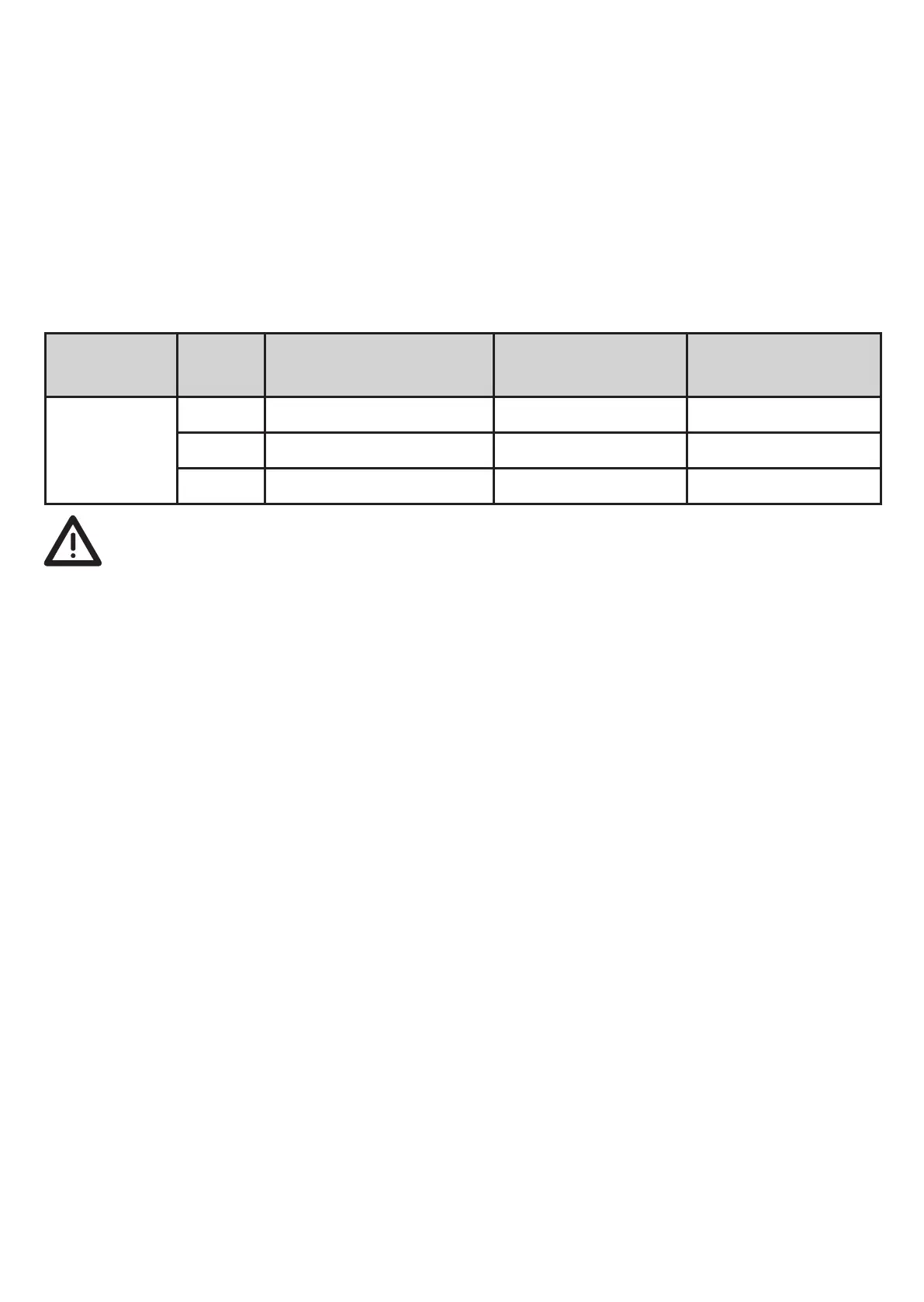
Order no. Measuring range
Permissible
overload pressure
Bursting
pressure
PY7102
MPa 0���10 30 65
bar 0���100 300 650
PSI 0���1450 4350 9400
Static and dynamic overpressures exceeding the indicated overload pres-
surearetobeavoidedbytakingappropriatemeasures.
The indicated bursting pressure must not be exceeded� Even if the bursting
pressure is exceeded only for a short time, the unit can be destroyed�
NOTE:Riskofinjury!
For gaseous media the application is limited to max� 25 bar / 2,5 MPa�
3 Function
3.1 Switching function
OUTx changes its switching state when the set switching limits have not been
reached or have been exceeded (SPx, rPx)� The following switching functions can
be selected:
hysteresisfunction/normallyopen:[OUx]=[Hno](→fig.1).•
hysteresisfunction/normallyclosed:[OUx]=[Hnc](→fig.1).•
First the set point (SPx) is set, then the reset point (rPx) with the requested differ-
ence�
windowfunction/normallyopen:[OUx]=[Fno](→fig.2).•
windowfunction/normallyclosed:[OUx]=[Fnc](→fig.2).•
The width of the window can be set by means of the difference between SPx and
rPx� SPx = upper value, rPx = lower value�



 To Next Page