11
UK
8.2 Setting the output signals
8.2.1 Setting the output function
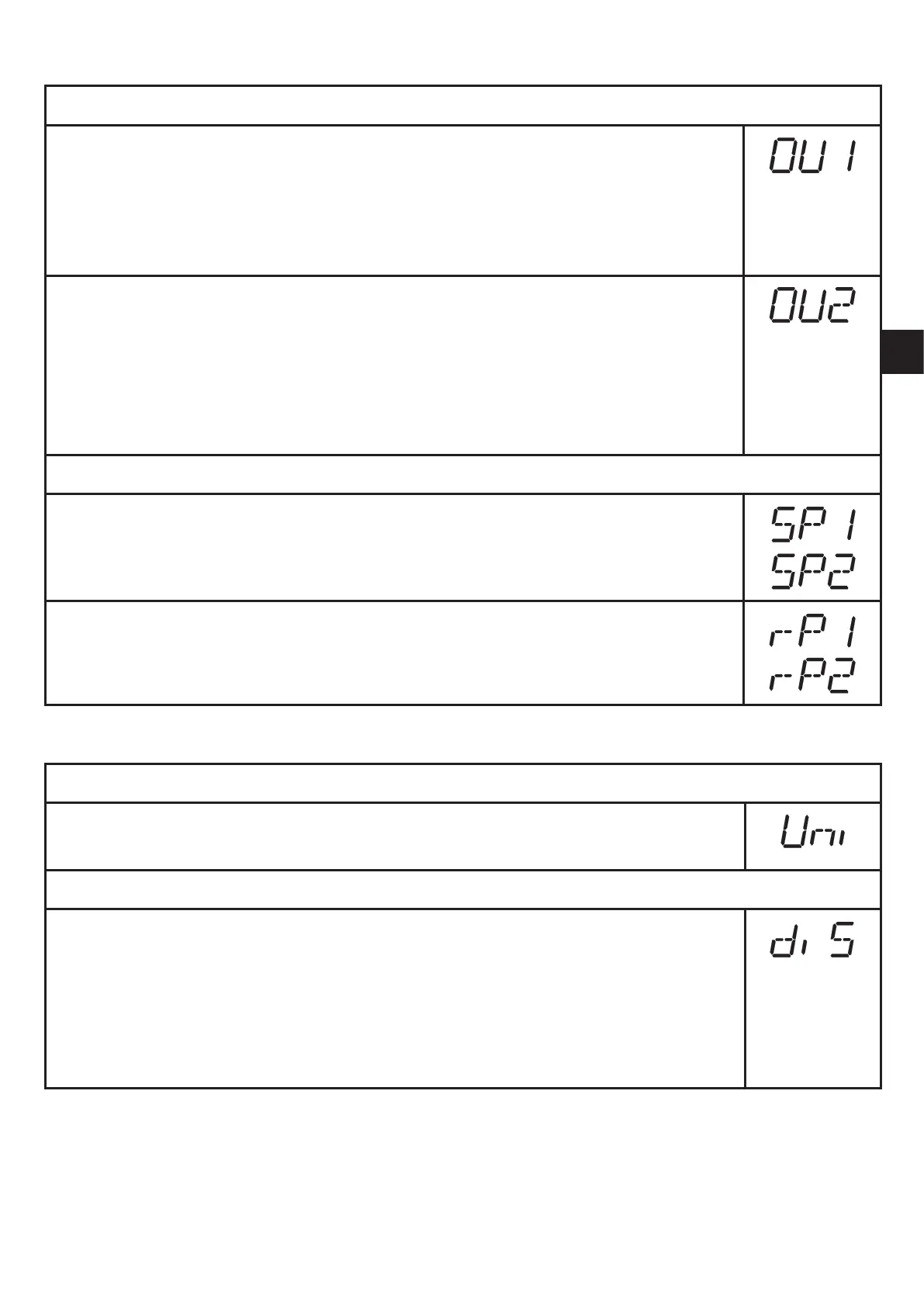
Select [OU1] and set the switching function: ►
[Hno] = hysteresis function / normally open,
[Hnc] = hysteresis function / normally closed,
[Fno] = window function / normally open,
[Fnc] = window function / normally closed�
Select [OU2] and set the output function: ►
[Hno] = hysteresis function / normally open,
[Hnc] = hysteresis function / normally closed,
[Fno] = window function / normally open,
[Fnc] = window function / normally closed�
[dESI] = Output 2 is used as a diagnostic output�
8.2.2 Setting the switching limits
Select [SP1] / [SP2] and set the value at which the output switches� ►
Select[rP1]/[rP1]andsetthevalueatwhichtheoutputswitchesback. ►
rPx is always lower than SPx� The unit only accepts values which are lower
than SPx�
8.3 User settings (optional)
8.3.1 Setting the unit of measurement for the system pressure
Select [Uni] and set the unit of measurement: ►
[bAr], [MPA], or [PSI]�
8.3.2 Configuring the display
Select [diS] and set update rate and orientation of the display: ►
[d1]: Update of the measured value every 50 ms�
[d2]: Update of the measured value every 200 ms�
[d3]: Update of the measured value every 600 ms�
[rd1],[rd2],[rd3]:Displayliked1,d2,d3;rotatedby180°.
[OFF]: The display is deactivated in the operating mode��



 To Next Page