UNO Synth
4 – Front panel interface
18
4.2.11–ArpeggiatorandSequencer
ThesearethecontrolsfortheArpeggiatorandSequencer.
ARP:activatesthearpeggiator
SEQ:activatesthesequencer
DIR:WhentheARPbuttonisactive,theDIRectionbuttonletsthedatabuttonssettheorderinwhichtheheld
notesarearpeggiated.Thereare10differentarpeggiatormodes.WhentheSEQbuttonisactive,theDIRection
buttonletsthedatabuttonsmovebetween3sequenceplaybackmodes:Forward,BackwardandForward-
Backward.
RANGE:whentheARPbuttonisactive,theRangebuttonletsthedatabuttonssettherangeofthearpeggiator
inoctaveswitharangeof1to4.WhentheSEQbuttonisactive,theRangebuttonletsthedatabuttonssetthe
Rangeofthesequencebetween1and16steps
4.2.12–TransportFunctions
Thetransportfunctionsarepartofthesequencer.Theyworkonlywhenthesequencerisactive.
PLAY:startsandstopsthesequencer.
REC:pressedaloneenablessteprecordingofthesequencer,pressedwithPLAYactivatethereal-time
recordingofthesequence,andpressedwithALTactivatetheStep-Editrecording.
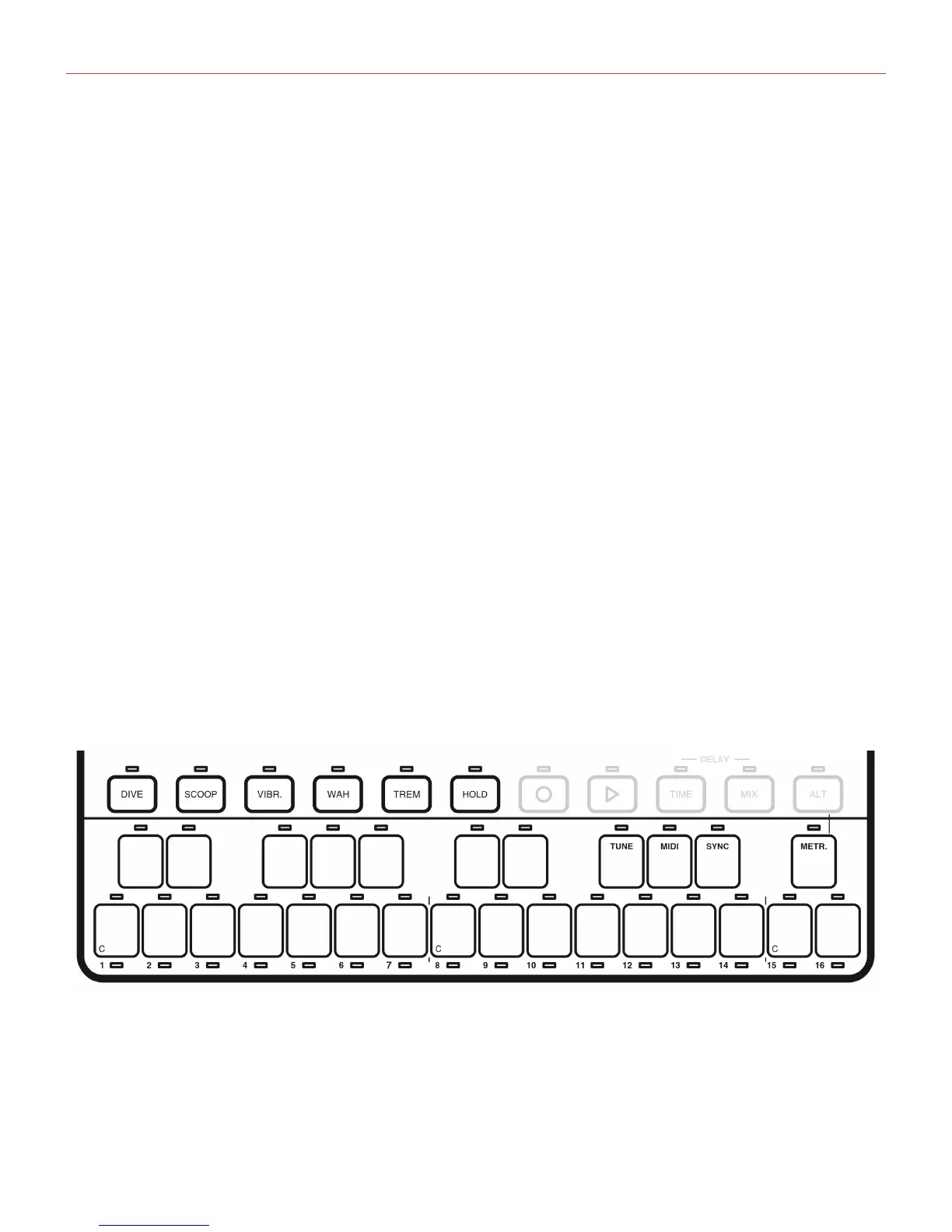
4.3–Performancecontrols
Performancecontrolsareusedtoplayandarticulatethepresets.Theyincludethekeyboardandthe
performancebuttons.


 To Next Page