UNO Synth
4 – Front panel interface
19
4.3.1–PerformanceButtons
Theperformancebuttonsprovideinstantmusicalarticulationsthatcanbeusedwithliveplayingorwhilethe
arpeggiatororsequencerarerunning.NotethattheLFOdrivestheVibrato,WahandTremoloeffects.Sothe
selectedLFOwaveformandrateintheLFOrowaffectsthebehavioroftheseperformancebuttons.
TheamountofmodulationfortheperformancebuttonsiseditableviaMIDIcontinuouscontrollers(MIDICC).
Thebuttonsare:
VIB:bipolaroscillatorpitchmodulationformusicalvibrato.ThevibratorateandwaveshapearesetintheLFO
section.
WAH:filtermodulationforwahwah-styletimbralchanges.ThewahwahrateandwaveshapearesetintheLFO
section.
TREM:negativeamplitudemodulationoftheVCAfortremolo.Thetremolorateandwaveshapearesetinthe
LFOsection.
DIVE:appliesthefilterenvelopedecaytooscillatorpitchwitharangeof2semitonestocreateabenddownto
theplayedpitch.
SCOOP:appliesthenegativefilterenvelopedecaytooscillatorpitchwitharangeof2semitonestocreatea
benduptotheplayedpitch.
4.3.2–Keyboard/16StepButtons
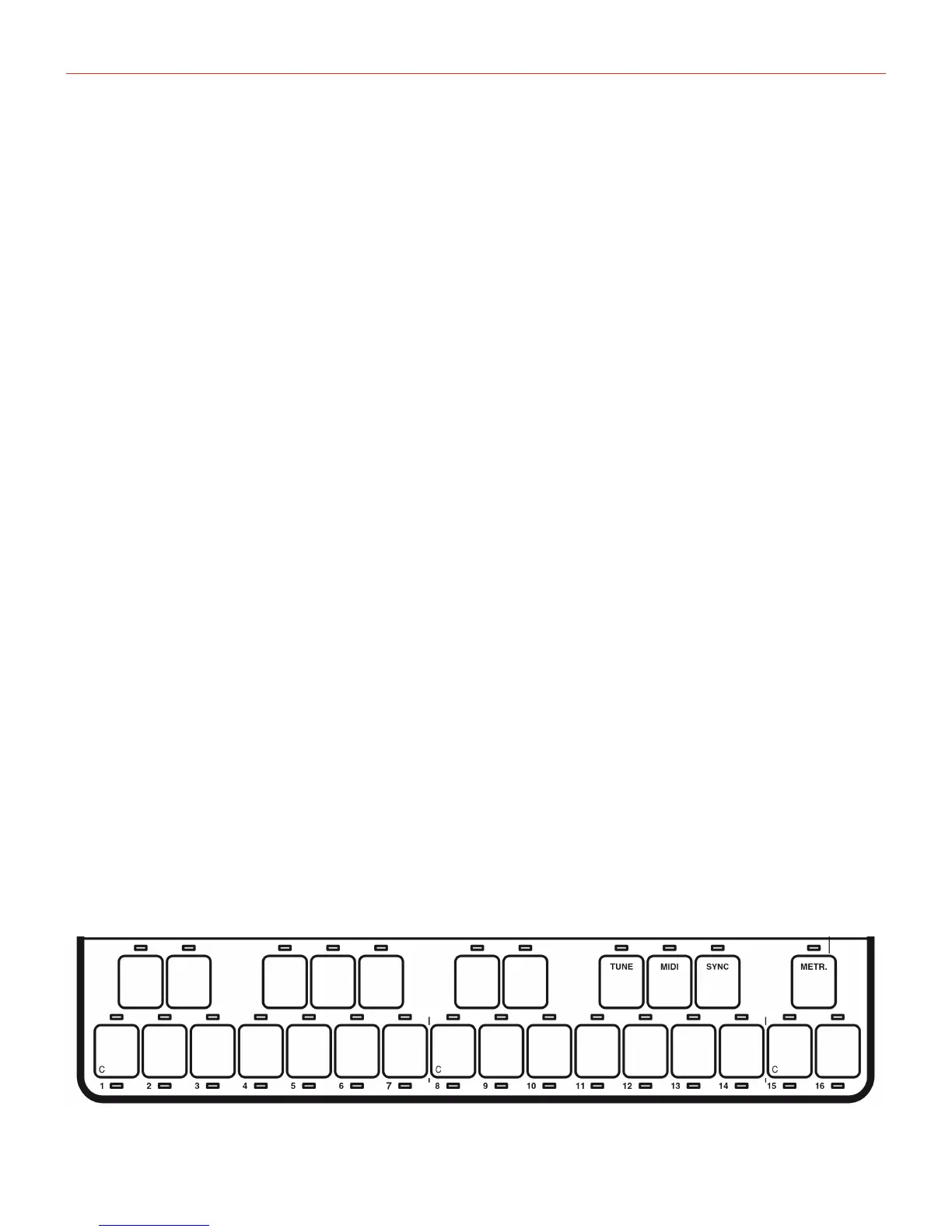
Thekeyboardisa27-notecapacitancesensingdevicethatcanbeplayedbyjustswipingafingeroverit.This
makestheUNOsynthveryeasytouseandalsoextremelyportable.Bysettingaparticularscale,itgetseven
easierasonlythebottomkeysareused.Thecreatesthepossibilityforeveryonetoplayinkeyandexperiment
withsolos,strangeriffsorjustforfun.
The16“white”keysinthebottomrowalsorepresentthe16stepsofthesequencerwhichhasitsownseparate
chapter.
Keyboard


 To Next Page