UNO Synth
7 – The Sequencer
25
7 – The Sequencer
TheUNOSynth’ssequencerisaparticularlydeepsectionbecauseitintegratessomegreatfeatureswhichare
rarelyavailableatthispricepoint.Forexample,theparameterrecordingisparticularlypowerful.Eachpreseton
theUNOSynthhasitsownsequence.
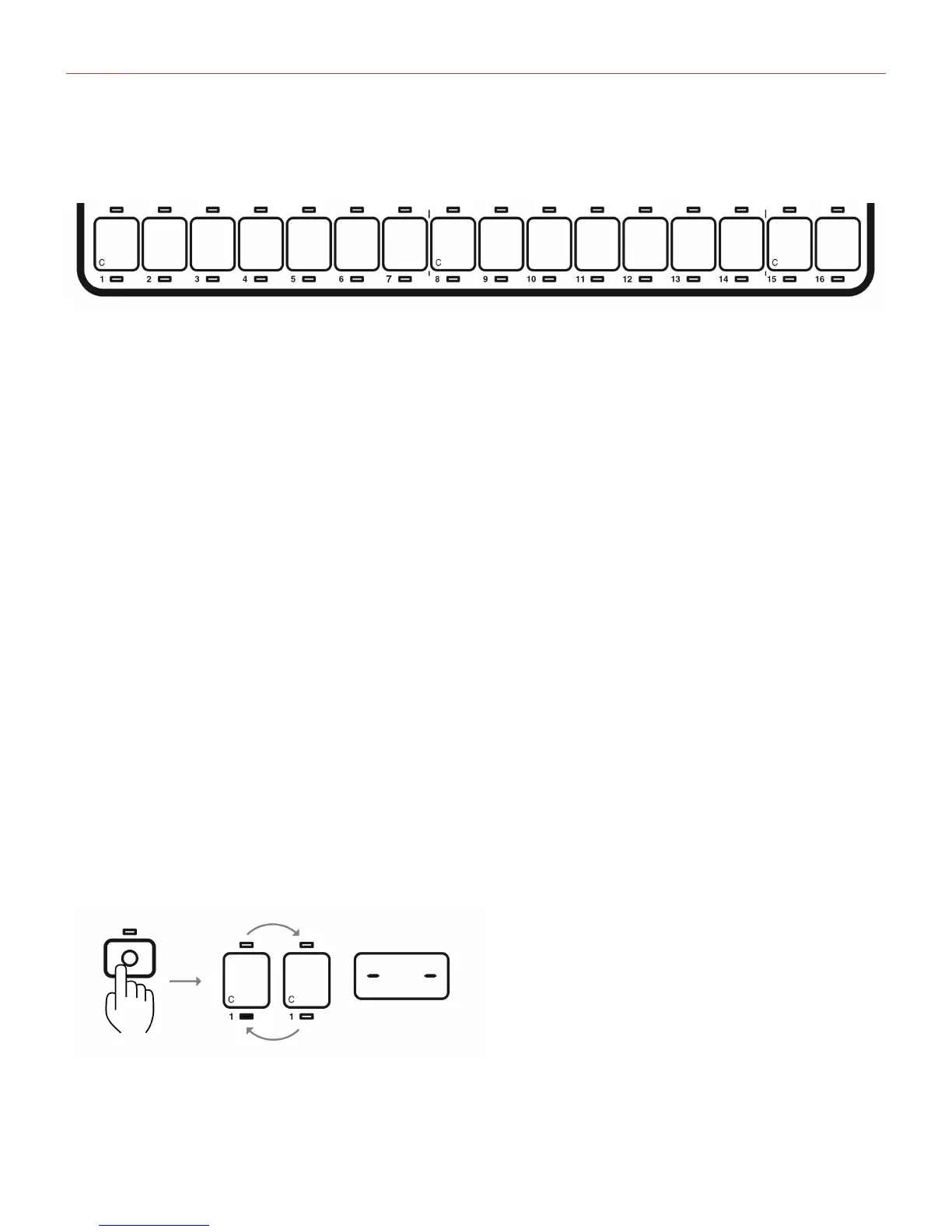
TheUNOSynth’ssequencerhasupto16stepswhihcarerepresentedbythe16“white”keysofthekeyboard.
Thereare16LEDs,oneforeachstep,belowthekeys.
Therearethreerecordingmodesforsequencer:
• StepRecording
• Real-TimeRecording
• StepEditRecording
7.1–StepRecording
StepRecordingletsyoutomanuallyinsertnotesorparameterswithouthavingtheUNOSynthplaying.
Themethodletsyourecordalltheparametersandnotesforeachstepwithprecisionanddetail.
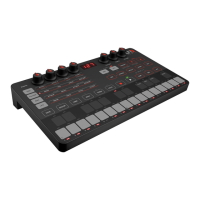
Tostartthesteprecordingofasequence,activatethesequencer,thenpresstheRECbutton.TheStepwill
blink,andthedisplaywillshowa“doubleminus”figure.


 To Next Page