English
18
End of the programme
The end of the programme will be indicated by 3
signals lasting 3 seconds interspersed with a pause
of 20 seconds. After one minute, the dishwasher will
At the same time the “END” message will appear on
the display for one minute.
AUTO DOOR OPEN
The door will open automatically during the drying
phase and you will have to wait for the end-of-cycle
signal before removing the dishes.
“EXPRESS” button
This button enables average energy and time savings
of 25% (according to the cycle selected), reducing
the wash-water temperature and the drying time
for evening washing when perfectly dry dishes are
not needed immediately. For better drying, leave the
dishwasher door slightly ajar to promote natural air
circulation in the dishwasher.
HALF LOAD/SETUP 5 SEC
“HALF LOAD” button
Specially developed for lightly soiled small loads that
this option can save you time, energy and water.
After selecting the programme, press the button and
the indicator light will come on. If this option is not
compatible with the set programme, a sound will be
heard.
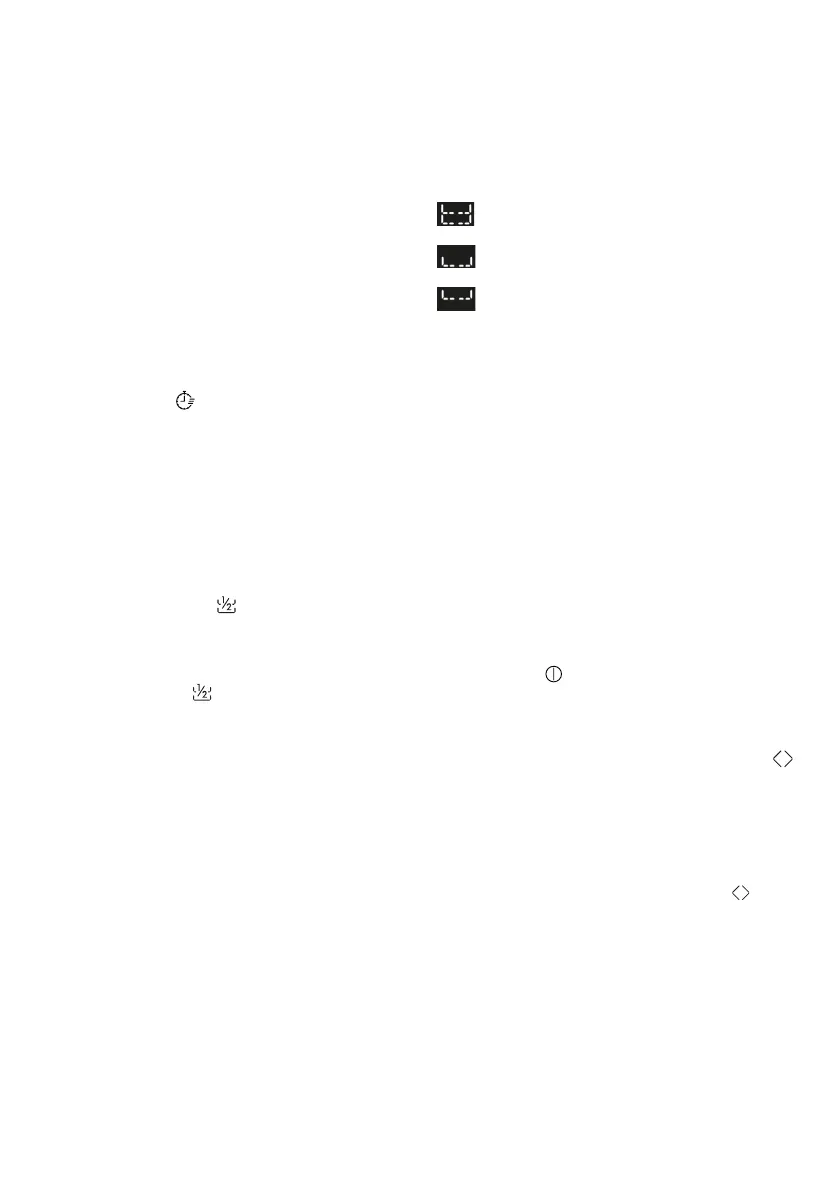
Washing basket selection
Each time the half load button is pressed, the wash
basket will appear on the display.
Both baskets.
Lower basket.
Upper basket.
In models with a 3rd basket, it will always be
active.
SETTINGS
The dishwasher comes with certain factory settings.
However, you can adapt the various parameters to
your washing needs from the settings menu.
The following parameters can be adjusted
Language--> Tablets-->Softener-->Rinse Aid-->Buz-
zer
ALWAYS start the procedure with the dishwasher
turned o.
Language Settings
- Switch the dishwasher on with the “ON/
OFF” button.
- Keep the “SETUP 5 SEC” button pressed for
about 5 sec.
- The “SETTINGS” message appears on the
display.
- By pressing the “PROGRAM SELECTION”
key you can select the successive parame-
ters to be adjusted.
- Select the “LANGUAGE” setting that ap-
pears on the display.
-
selected parameter.
- “ENGLISH” appears on the display.
- Press the “PROGRAM SELECTION” but-
tons to choose a new language.



 To Next Page