If icon is displayed while the exposure time is changed, it means that the set time cannot be saved for the
selected tooth-patient size combination. In any case, the x-rays can be taken with the set time.
WARNING:
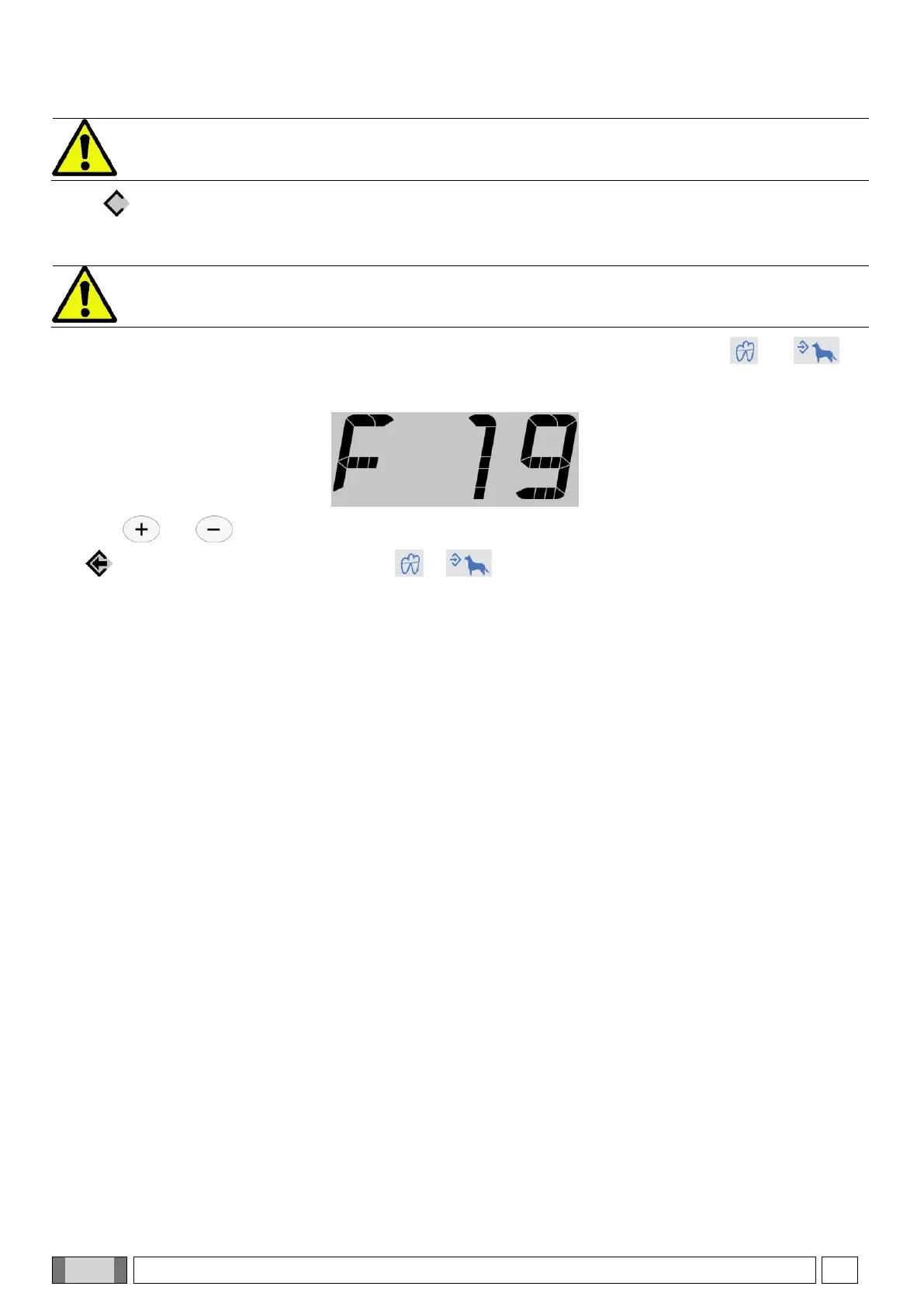
When the suggested exposure time is changed, the sensitivity factor is also modified (by default set to
F=19). Once this change has been saved, it is applied to all the teeth and both patient sizes.
The exposure time can also be modified by changing the sensitivity factor. To do so, press keys and at
the same time; the actual sensitivity factor will be displayed.
Use keys and to change the value from 3 to 25. If the displayed value differs from the previous setting,
icon comes on. To quit this mode, press key or . The change made to the sensitivity factor is applied
to all the teeth and both patient sizes.
The operating mode selected is always used for each combination of tooth and patient size.
In AUTO mode, each tooth and patient size combination is associated to the best mode from amongst the ones
available. In this mode, it is not possible to assign a mode other than the default one to each combination.



 To Next Page