5.5. PROCEDURE TO BE FOLLOWED WHEN TAKING THE X-RAY
- Pick up the handheld and move to a safe distance (at least 2 meters) maintaining visual contact with the patient
and x-ray unit during the exposure. Make sure “ready” is indicated.
- Tell the patient to stay still.
- Press and hold down the “Exposure” key on the handheld until the audible warning sound (beep) stops and the
yellow light goes out.
"X-ray emission light" key
Light on control panel illuminated during x-ray emission.
NOTE: If the “EMIT X-RAY” key is released at any time, exposure will be interrupted and error code E01 will
appear on the display.
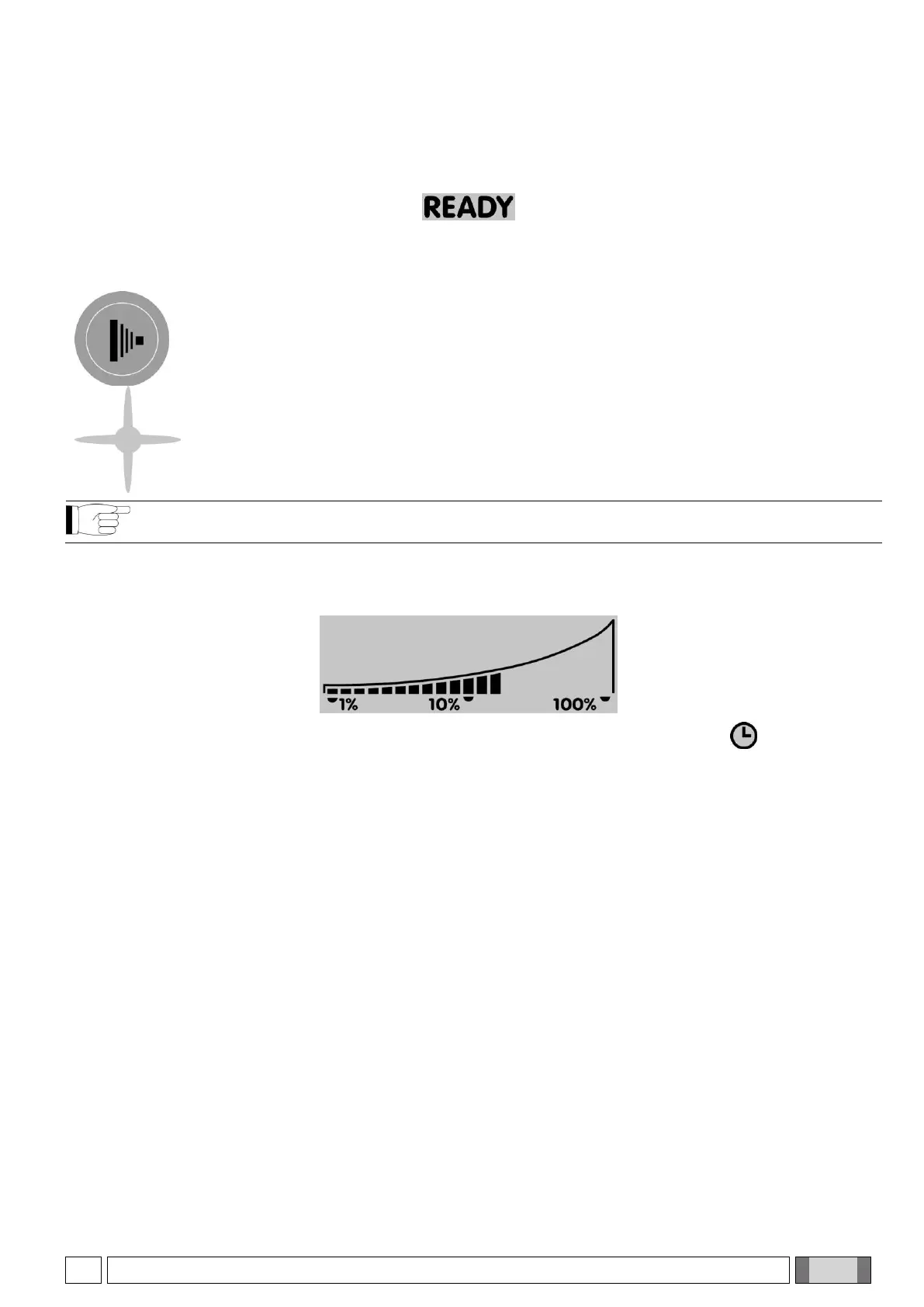
- Once exposure has been completed, it is possible to proceed with the next exposure unless the x-ray unit has
reached the maximum allowable temperature. The percentage the cone exceeds the maximum allowable
temperature is always shown on the screen (see icon below).
- Once the temperature has been reached, wait the pause time for cooling signaled by symbol .
- At this point the exposure function will be disabled until the screen shows “ready” again
- As soon as “READY” appears on the handheld, another exposure can be taken.



 To Next Page