16.2. TECHNICAL MAINTENANCE
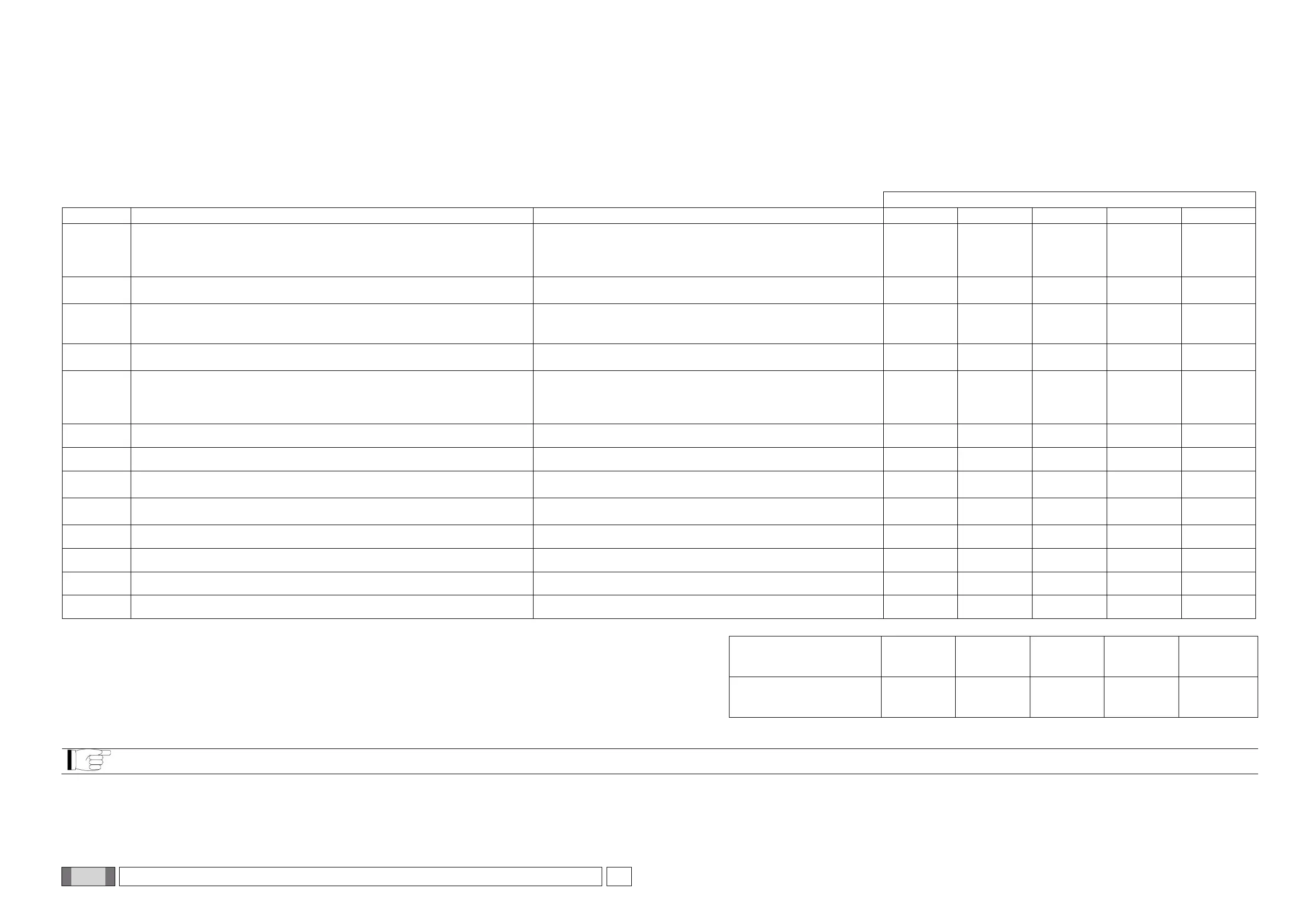
These instructions describe the maintenance procedures for the x-ray unit. These instructions apply to all versions of said equipment.
In order to ensure the operational safety and functional reliability of the equipment installed, at least once a year an authorised service technician must perform a full inspection of the device.
When taking measurements that require a multimeter, always use a calibrated digital multimeter.
All the following tests will be carried out. Customer should be notified prior to replacing any parts.
Answer questions with yes (√) or not (−)
Check that all labels located
- on the wall-mounted cover,
- on the x-ray tube
- inside the collimator/s, are intact, correctly applied and readable.
User Manual, Section Identification nameplates
Check there are no external damages to the equipment, which may reduce
protection against radiation.
User Manual, Section Description of the x-ray unit
Pull out the collimator and panel stop ring, take off the screw cover caps and
loosen the screws that secure the lower cover. Check there is no oil leakage on
the tube-head.
Technical Manual, Section X-ray head
Check the electromechanical brake that locks/unlocks the movement of the
generator and adjust it if necessary – ball joint model units only
Technical Manual, Section Actuator unit
Power off the unit and remove the wall mounting cover. Disconnect the unit
from the main power supply and check the condition of the main power supply
cable. Replace it in case of damage. Connect it back making sure the safety
ground is securely connected. Install the wall-mounted cover back again.
Technical Manual, Section Wall-mounted plate wiring connections
Check the battery level of the wireless remote control.
User Manual, Section Batteries and charge level indication
Check the remote control functionality: buttons must respond to interaction
User Manual, Section Control Panel
Check the power switch verifying that the switch is working properly and the
main switch green light switches on when the switch is in the ON position.
Section Turning the x-ray unit on and off
Check proper functioning of x-ray generator indicator light – ball joint model
units only
User Manual, Section X-ray generator indicator light
Check the exposure buzzer during a trial x-rays emission
User Manual, Section Performing the exposure
Verify that exposure is immediately interrupted when x-ray button is released
Section Performing the exposure
Check the scissors arm balance and adjust it if necessary
Technical Manual, Section Balancing the double pantograph arm
Perform a calibration of the x-ray tube housing
Technical Manual, Section Calibrating the x-ray head
The undersigned confirms that the equipment was checked for the above criteria and that it was provided in optimal operating conditions.
All inspection and maintenance work performed by the system owner and/or service engineer must be recorded in this document and kept near the unit!



 To Next Page