31 Image Vault
®
PRO Command
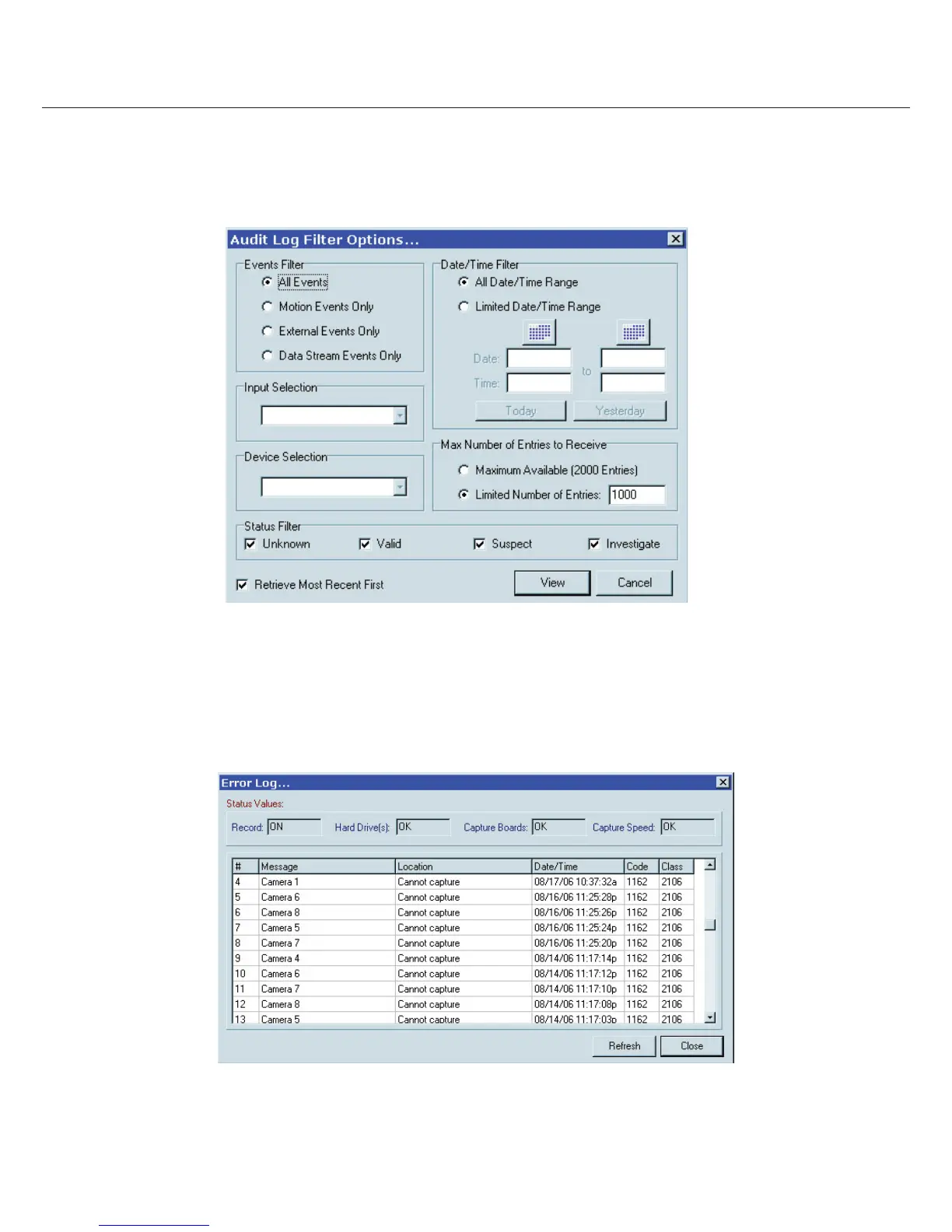
External Event Audit: To view the External Event Audit you may choose “View External Audit Entries” from the Status menu or click
the “External Audit Trail” button. You may lter your search to look for any or all event types in a speci c period. If you choose a speci c
type of event you will have additional lter options such as camera, POS source, or dry contact input. When viewing data you may add
notes for entries with a status and or comments. Entries are also searchable and color coded by status. Audit entries will show in blue in
the Device Data Window as the transactions occur.
4.5 Error Log
The Error Log is a history of system-generated fault entries. It also provides a real-time indication of recorder status. To access the Error
Log select “View Error Log” from the Status menu.



 To Next Page