48 Image Vault
®
PRO Command
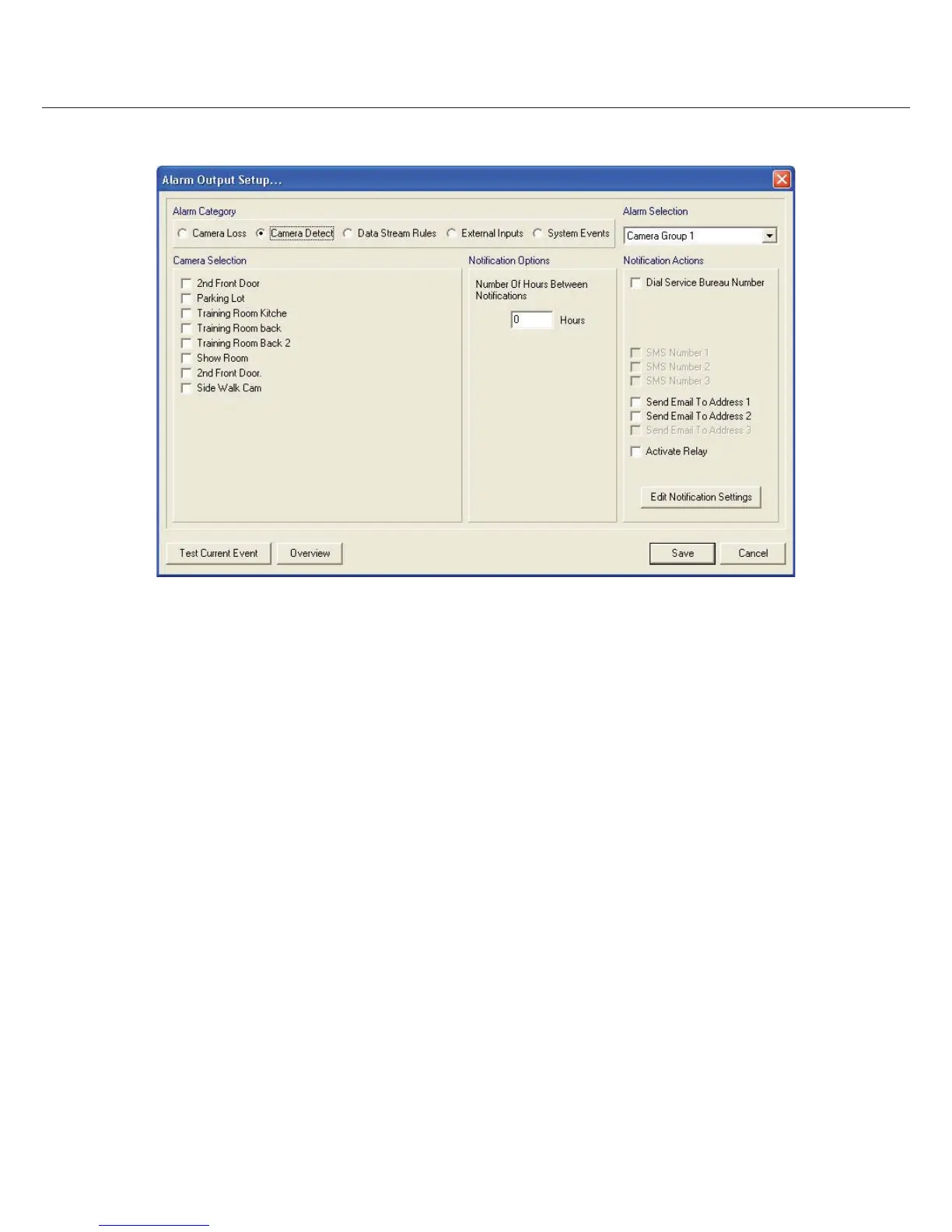
Overview: Lets you see a breakdown of the events setup in the category selected.
8 System Setup
System setup involves those features which involve DVR operation but do not directly involve video or audio or data processes. This
is an overview of each feature. For detailed explanations of speci c features please refer to the help menu built into your software.
Service level permission is required in order to access and con gure most of the items described below.
8.1 TCP/IP Settings
Consult your network administrator before con guring any network settings and in particular before actually connecting your DVR to
a network. Refer to Part I Section 3.13 for additional information about connecting remotely. To access TCP/IP settings select “TCP/IP
Setup” from the Edit Params submenu of the Status menu. You may need to click on the down arrow key under “Adapter Information”
to con gure both NIC’s is your DVR is so equipped.
IP Address
Enable Obtain IP Address Automatically only if your DVR is connected to a network with Dynamic Host Control Protocol (DHCP).
Otherwise enter the IP Address, Subnet Mask, and Gateway (if applicable) provided by your network administrator. You may need to
enter information into the secondary network interface if equipped. The default IP Address is 192.168.0.1 and the default Subnet Mask
is 255.255.255.0. Add DNS addresses only if speci ed by your network administrator. If a DHCP service is used, the DHCP settings will
appear to the right on the network con guration dialog.



 To Next Page