14 Image Vault
®
PRO Command
3.13 Interfacing POS Devices
Your DVR can receive POS data from nearly any serial ASCII data source including registers at the point of sale (POS), ATMs, alarm
panel, access control systems, intelligent safes, weight scales, and other such sources. For the sake of simplicity, we will refer to all such
sources as POS data. Your DVR includes two serial ports for receiving POS data. If you are using network data capture please refer to
Part II Software for information about the network capture setup.
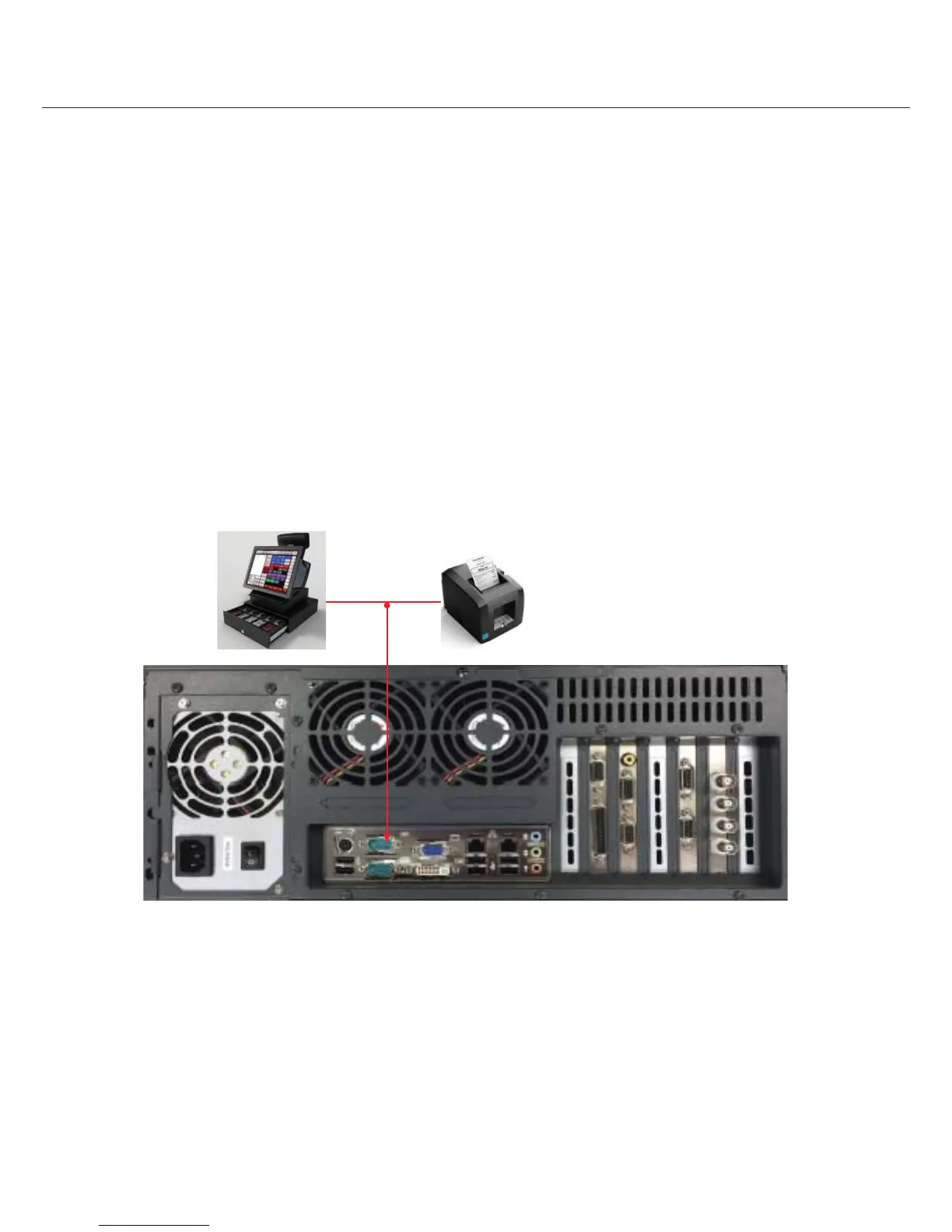
Direct Serial POS Data Connection
For only one or two POS data sources, use the direct serial connection method. Here a pigtail connector is inserted at the back of the
printer with the printer’s RX and GND wires paralleled o . A suitable two-wire data cable connects this pigtail to another pigtail and is
used at the DVR’s POS port. Pigtail accessory cables are available from Image Vault for various printer styles; sold separately. Function-
ally this acts like one cable as illustrated.



 To Next Page