iNetVu Troubleshooting Guide - 1201 Flyaway
Disassembly Procedure
1) Click deploy Antenna icon on the iNetVu Controls screen. Antenna should deploy to EL=30,
AZ=0 and PL=0.
Reflector Assembly Removal
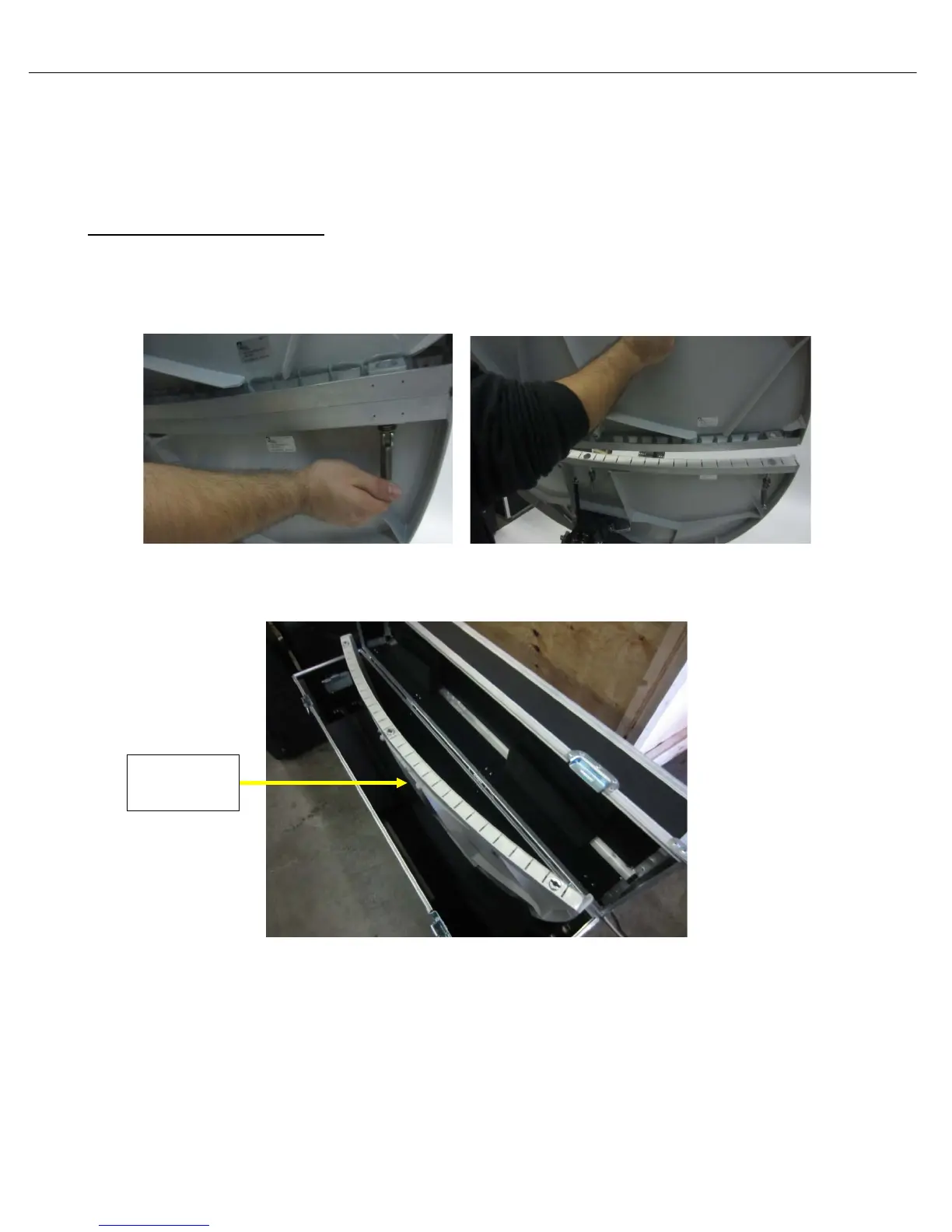
2) Unhook the three (3) latches holding the two-piece reflector together, and detach the top
reflector assembly
3) Place top reflector in packaging case as shown in the image; note the positioning of the back
and front of the reflector section in reference to the way it sits in the case.
4) Detach the bottom section of the reflector, there are (4) locking retaining clamps to loosen.
Reflector



 To Next Page