iNetVu Troubleshooting Guide - 1201 Flyaway
Uninstalling the Current Software
Note: This method describes the steps for upgrading to and from the new .NET GUI interface ver.
7.5.x
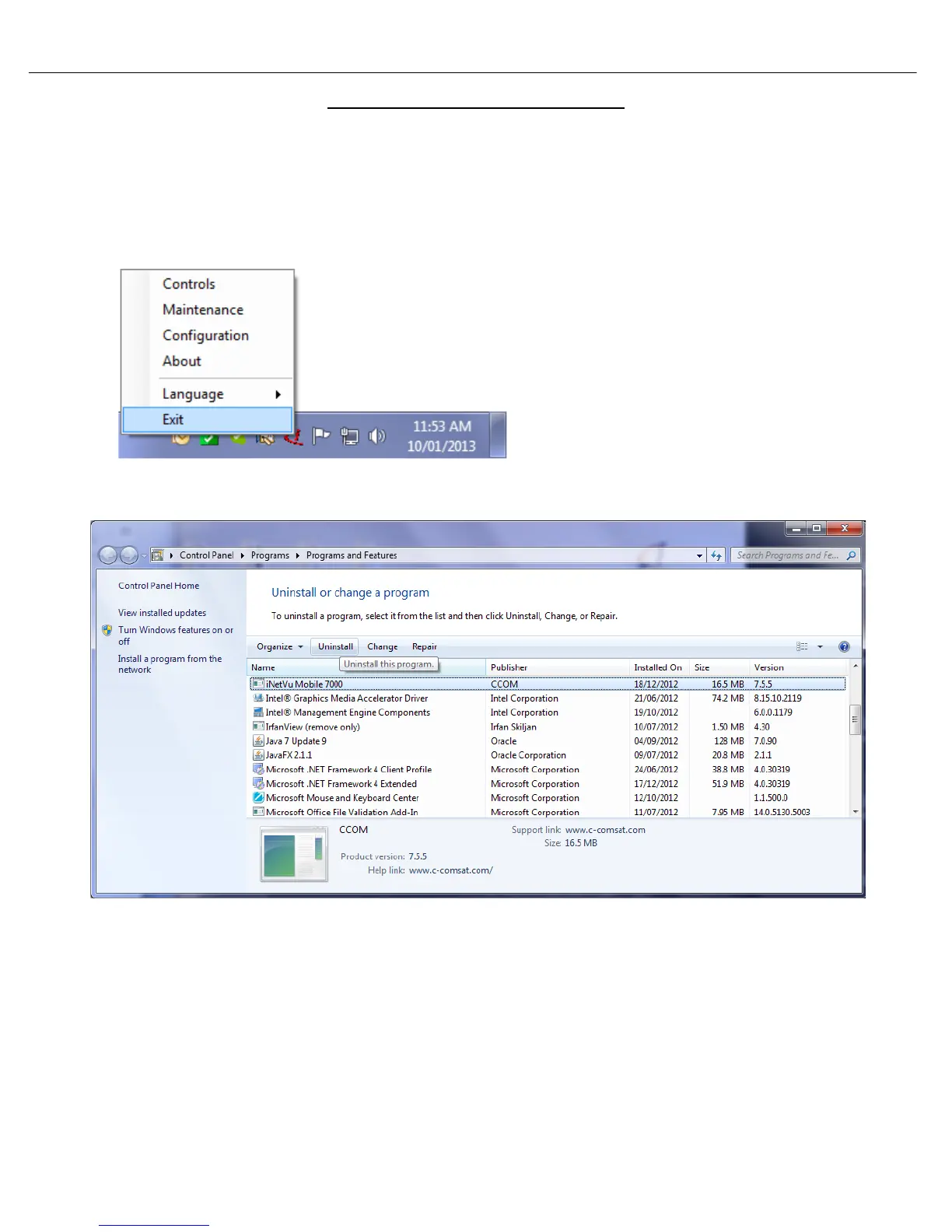
1. Ensure the iNetVu software is not running. If it is, right click the icon on the bottom right of the
screen and exit. As shown below.
2. Go to the Windows Control Panel and simply uninstall the iNetVu software.



 To Next Page