iNetVu Troubleshooting Guide - 1201 Flyaway
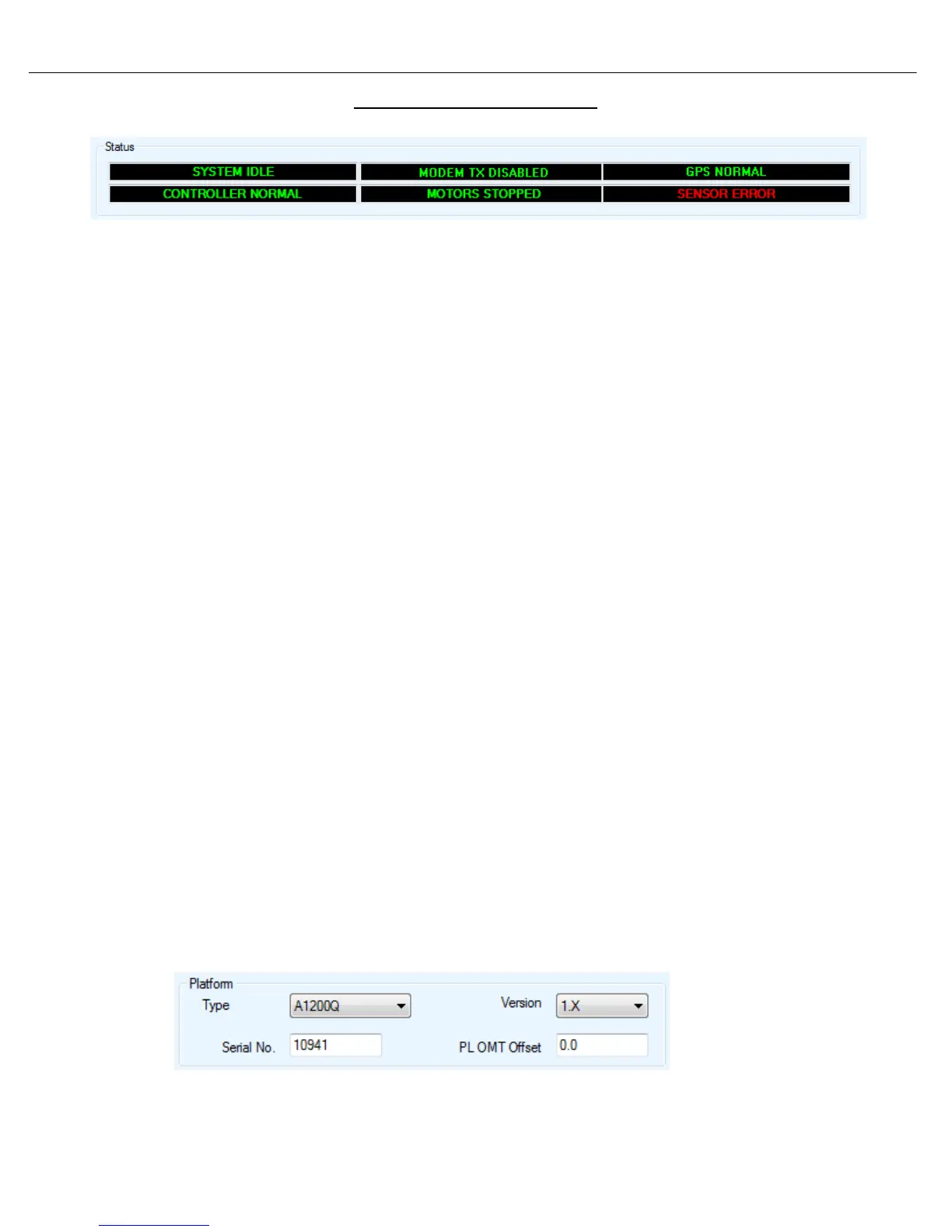
Error 0x8911 - Sensor Error
Cause:
1. The sensor cable is not connected properly or the pins on the sensor connector are bent,
broken or corroded.
2. Default Limits have been modified or are outside a valid range.
3. Possible failed components.
• Azimuth Encoder
• Polarization Tilt Sensor
• Internal Wiring
• Flyway Control Cable
• 7000 Controller
Solution:
1. Ensure that the sensor cable from the Controller and Platform side is properly connected and
not damaged. Ensure the internal wiring is properly connected. Try reseating these cables.
If this does not resolve your issue proceed to the next step.
2. Reselect the Platform Type to reset all Default Speeds and Limits.
a. Disconnect the Sensor cable from the Controller. Using the manual controls visually move
the platform on PL and AZ to the center position. ( you must visually verify as the
sensor readings will be unreliable)
b. Reconnect the sensor cable.
c. From the Maintenance menu, select a different Platform type than the current. Send All.
d. Select the correct Platform Type click “Send All” then “Write EPROM”.



 To Next Page