iNetVu Troubleshooting Guide - 1201 Flyaway
New Software and Drivers Installation Procedure
Applies to: iNetVu combined Software and Drivers Package version 7.5.5+
Note: Do not connect the Controller via USB until the drivers and software have been installed
1. If you are installing from the USB flash drive or have downloaded from the C-COM FTP, run
the iNetVuSetup.exe file.
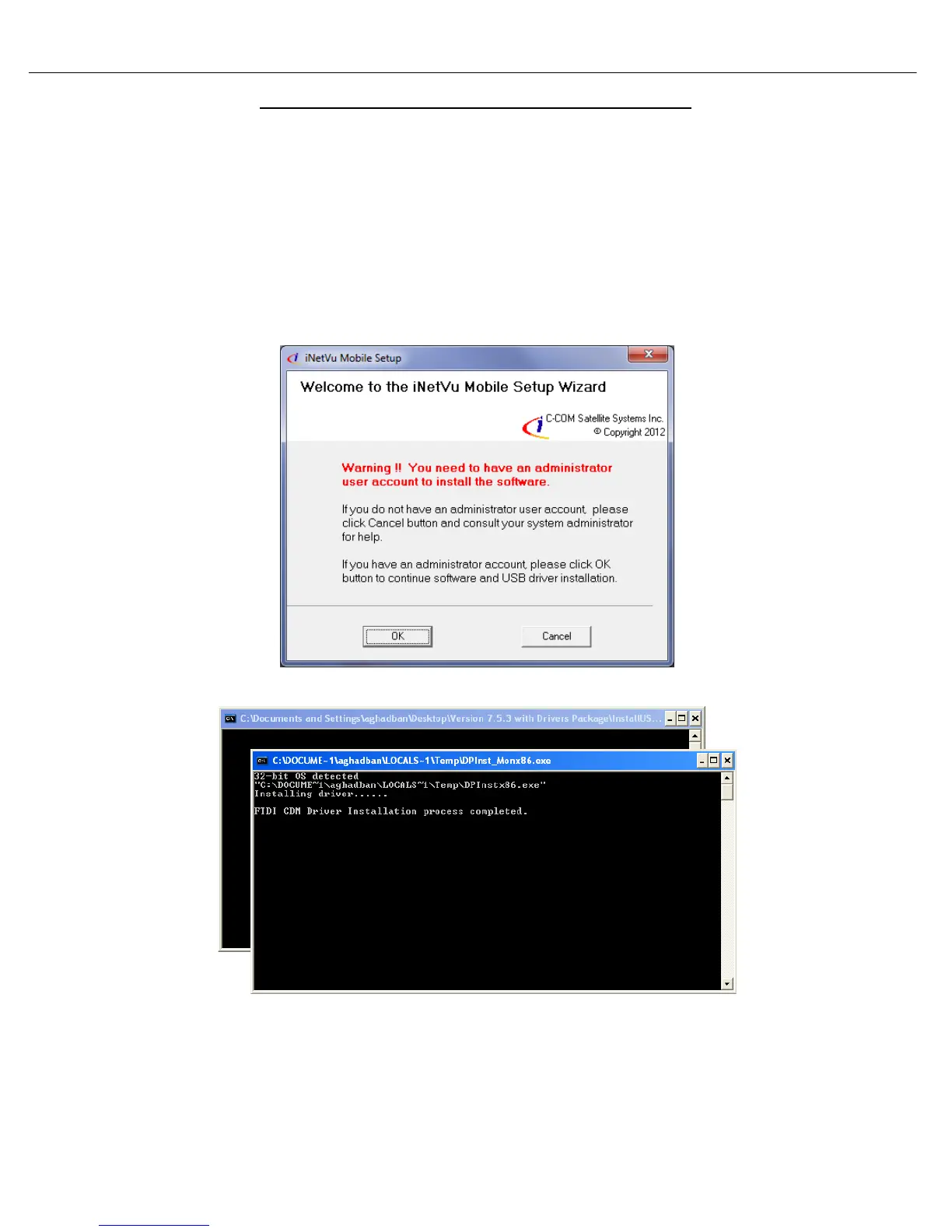
2. Click OK to continue.
Administrator privileges are required
The driver Installation will be begin
Note: The Software Installation will begin automatically. Please complete the Device Driver Installation
Wizard before continuing with the iNetVu Software Installation.



 To Next Page