iNetVu Troubleshooting Guide - 1201 Flyaway
Step 4:
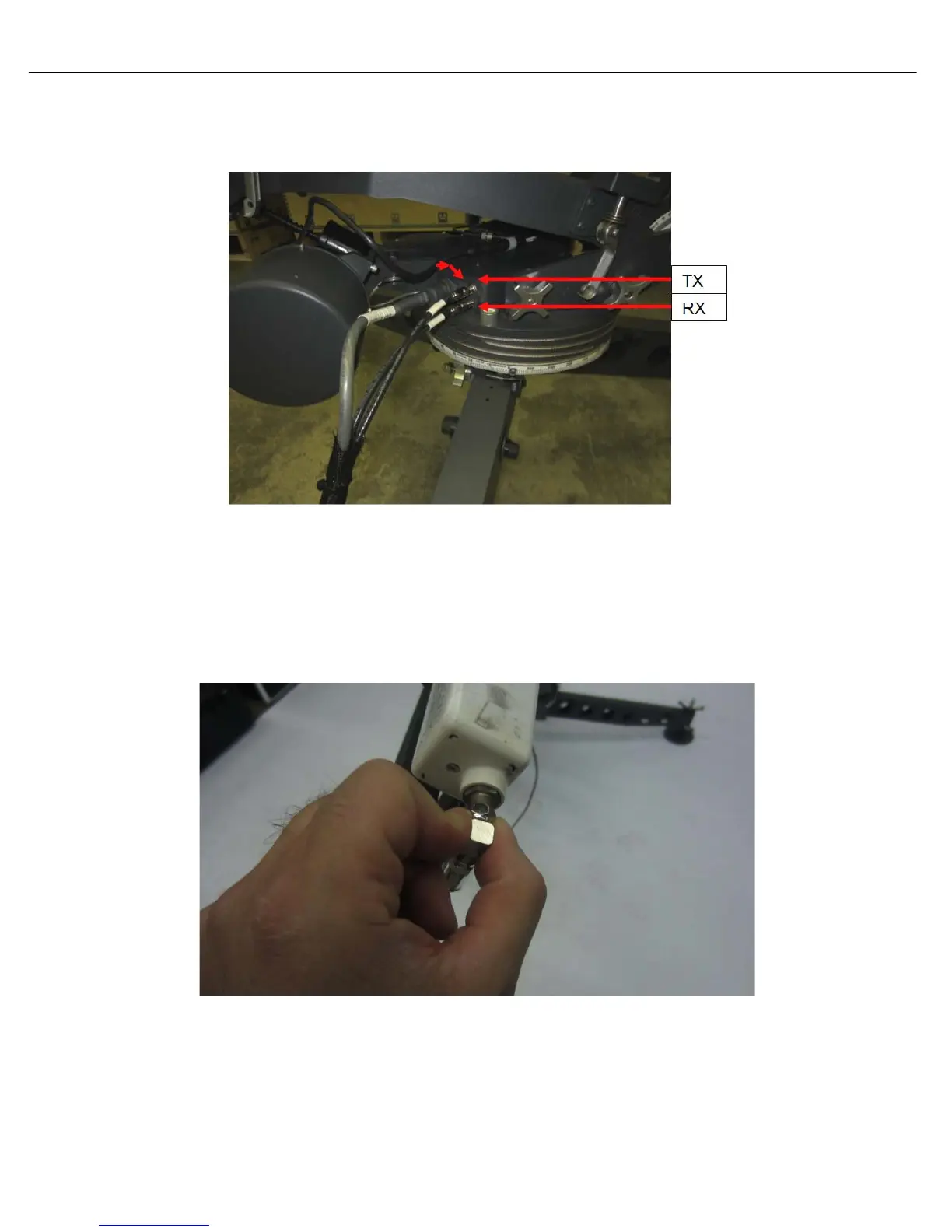
• Disconnect the coax cable going into the “RX” port on the base plate of the antenna.
• Measure voltage on this cable. If the voltage does not match the output of the controller,
replace the cable. If the voltage does match, reconnect the cable and proceed to step 5.
Step 5:
• Disconnect the coax connecting to the LNB.
• Measure voltage on this cable. If the voltage does not match, it concludes it’s an issue with the
internal wire. Please contact C-COM Technical Support for assistance.
• If the voltage does match, it concludes the LNB is the issue.



 To Next Page