iNetVu Troubleshooting Guide - 1201 Flyaway
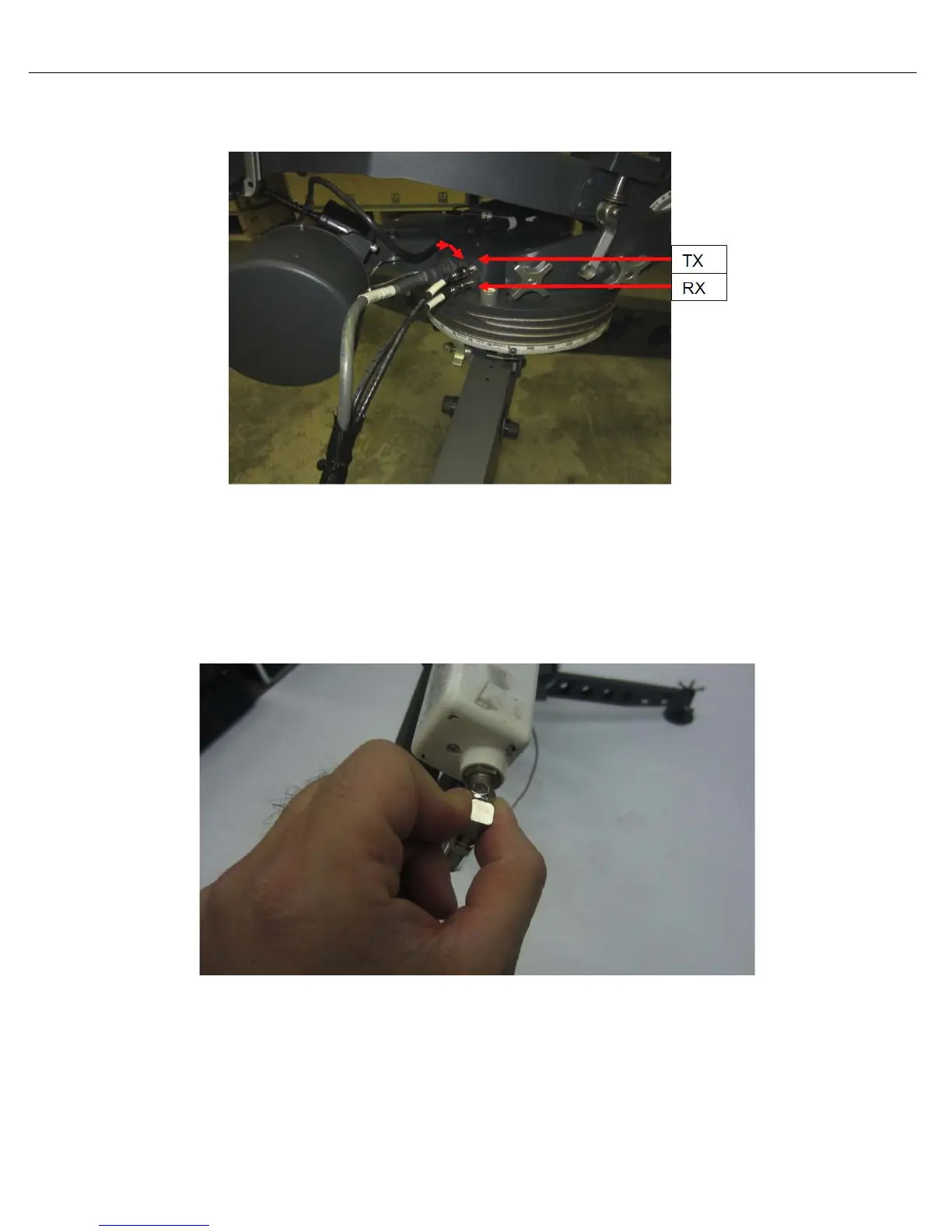
• Disconnect the coax cable going into the “RX” port on the base plate of the antenna.
• Measure voltage on this cable. If the voltage does not match the output of the modem, replace
the cable. If the voltage does match, reconnect the cable and proceed to step 6.
Step 6:
• Disconnect the coax connected to the LNB.
• Measure voltage on this cable. If the voltage does not match the modems output, it concludes
it’s an issue with the internal wire. Please contact C-COM Technical Support for assistance.
• If the voltage does match, it concludes the LNB or the coax going to the 7000 Controller may
be the issue. Swap out the cable going from the splitter to the RX IN. If RF is still in RED swap
out the LNB.



 To Next Page