23
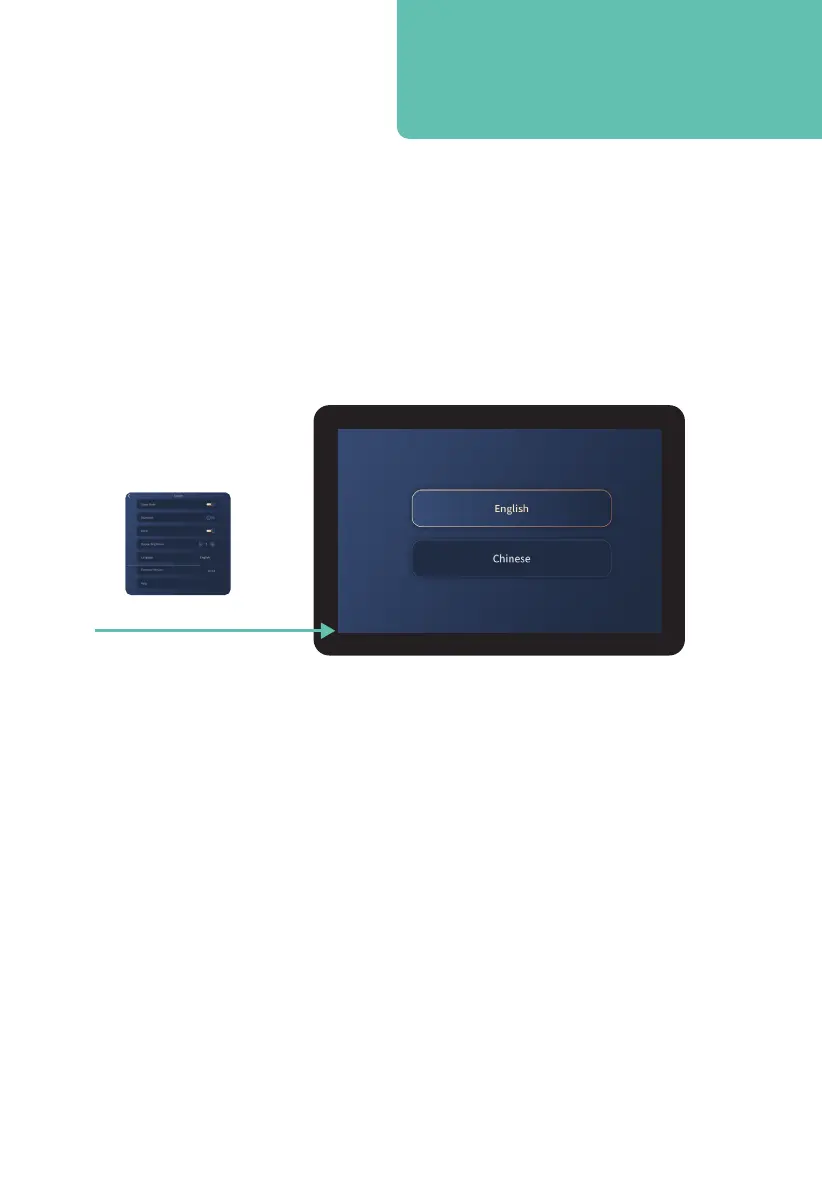
Press Language button
Display Brightness
Control your desired Tablet Remote screen brightness setting: 1 = dimmest, 5 = brightest.
Tap + or – buttons on screen to change setting.
Smart tip: In order to play music from your
Bluetooth enabled audio device, Bluetooth
must first be turned on in settings.
Language
Tap Language to enter the language selection screen. Select your desired language by tapping:
English or Chinese. Swipe left or tap back arrow in top left corner to return to System display
screen.
Firmware Version
Indicates the latest software installed on your device.
Help
Tap Help to be taken through to the help screen. Here you will be able to access where to find
help and contact information if you are having any troubles with your Palisade Pro Massage Chair.












 To Next Page