IN3118HD User’s Manual
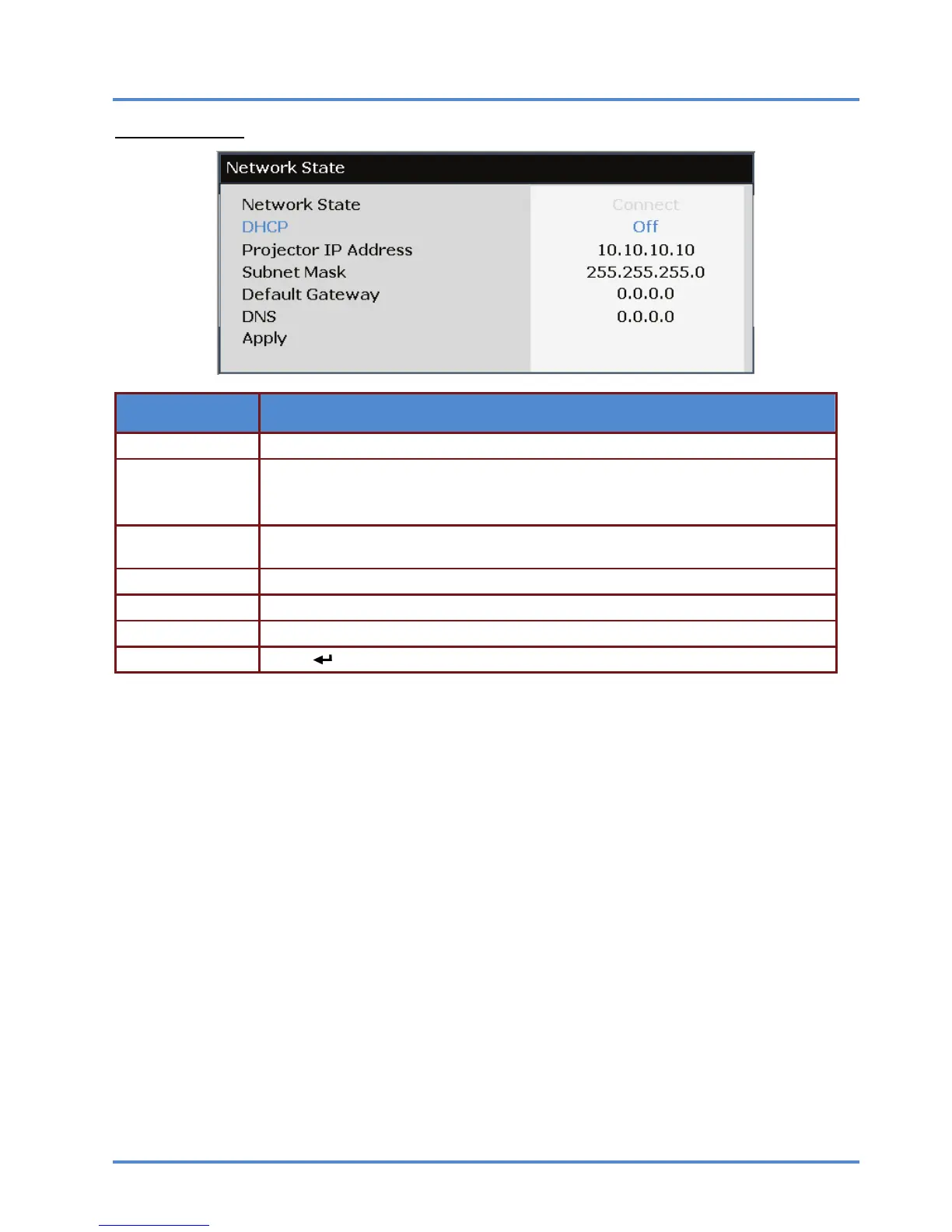
Network State
ITEM DESCRIPTION
Network State Displays the network connection status.
DHCP
Press ◄► to turn DHCP On or Off.
Note: If you select DHCP Off, complete the IP Address, Subnet Mask, Gateway, and
DNS fields.
Projector IP Ad-
dress
Enter a valid IP address if DHCP is turned off.
Subnet Mask Enter a valid Subnet Mask if DHCP is turned off.
Default Gateway Enter the default Gateway address on the network.
DNS Enter a valid DNS name if DHCP is turned off.
Apply Press (ENTER/SELECT) / ► to confirm settings.
– 24 –



 To Next Page