IN3118HD User’s Manual
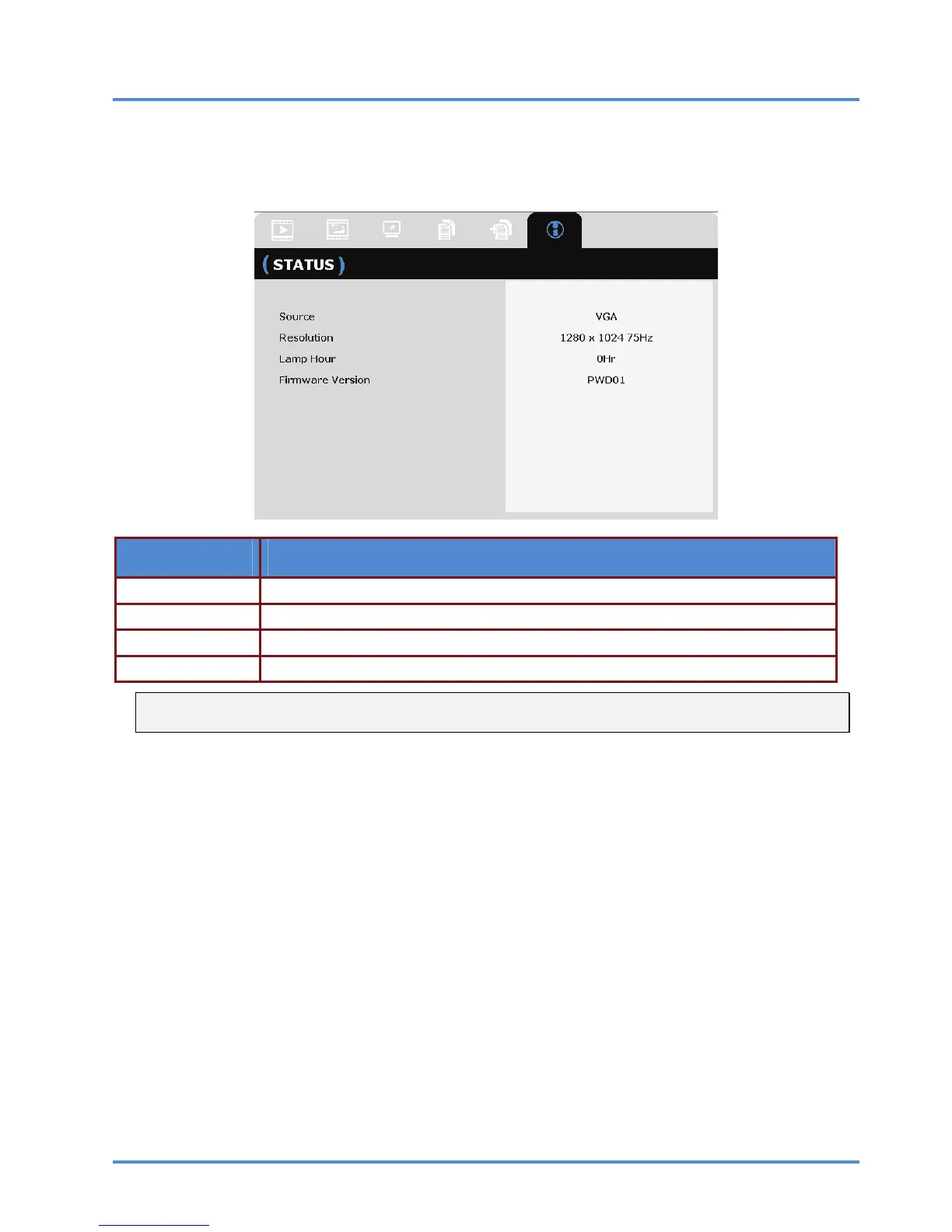
STATUS Menu
Press the MENU button to open the OSD menu. Press the cursor ◄► button to move to the
STATUS Menu.
ITEM DESCRIPTION
Source Displays the activated input source.
Resolution Displays the native resolution of input source.
Lamp Hour Displays the number of hours the lamp has been in use.
Firmware Version Displays the firmware version of the projector.
Note:
Status displayed in this menu is for viewing only and cannot be edited.
– 32 –



 To Next Page