IN3118HD User’s Manual
HDMI
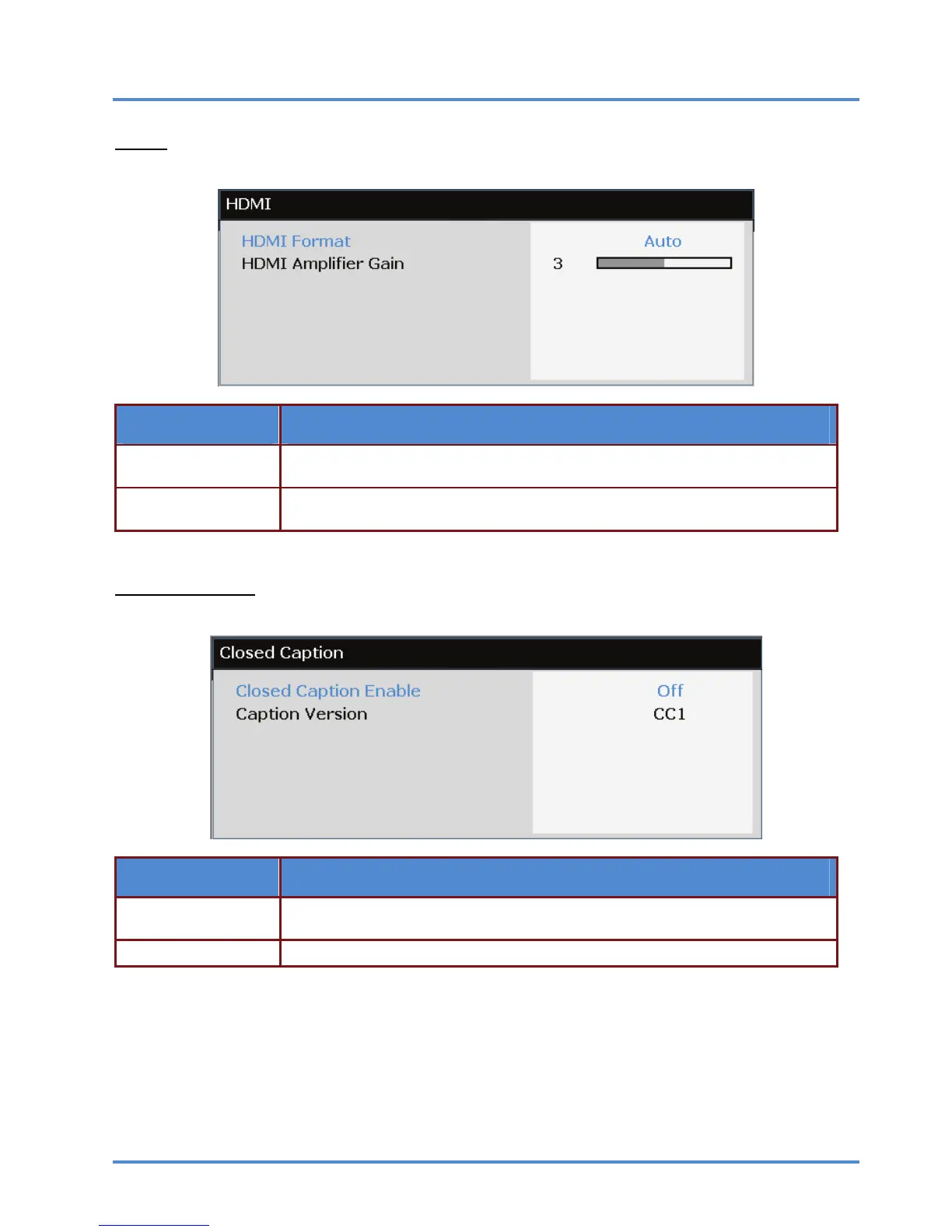
Press the ENTER/SELECT button to enter the HDMI sub menu.
ITEM DESCRIPTION
HDMI Format
Press the ◄► buttons to select from three HDMI display formats:
Auto/ PC signal/ Video signal.
HDMI Amplifier Gain
Press the ◄► buttons to adjust HDMI Amplifier Gain. Use this feature when using
long HDMI cable runs.
Closed Caption
Press the ENTER/SELECT button to enter the Closed Caption sub menu.
ITEM DESCRIPTION
Closed Caption En-
able
Press the ◄► buttons to turn on or off Closed Caption.
Caption Version Press the ◄► buttons to select the Caption Version.
– 30 –



 To Next Page