DLP Projector – User’s Manual
Audio
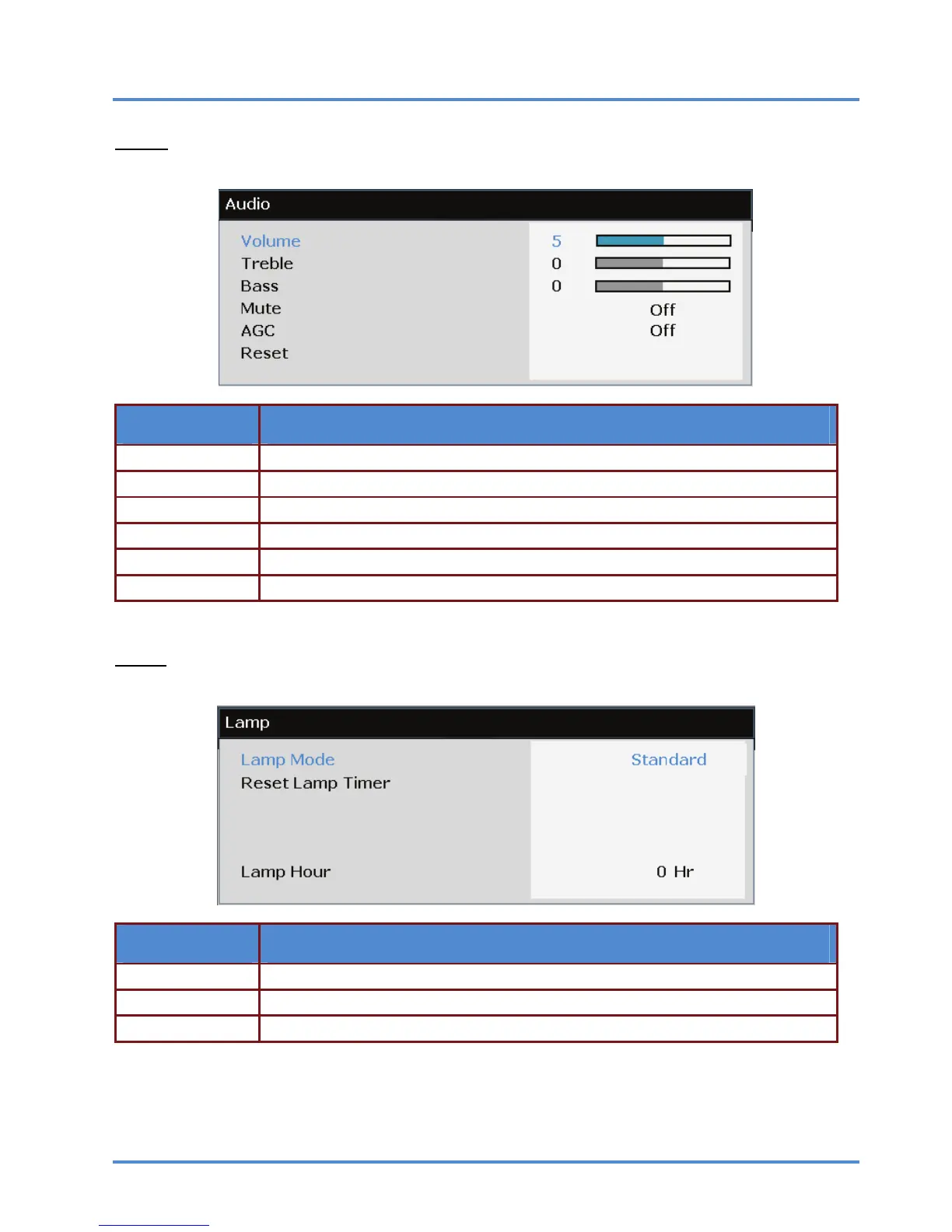
Press the ENTER/SELECT button to enter the Audio sub menu.
ITEM DESCRIPTION
Volume Press the ◄► buttons to adjust the audio Volume.
Treble Press the ◄► buttons to adjust the audio Treble.
Bass Press the ◄► buttons to adjust the audio Bass.
Mute Press the ◄► buttons to turn on or off the internal and external speakers.
AGC Press the ◄► buttons to turn on or off the Automatic Gain Control setting.
Reset Press the ENTER/SELECT button to reset all settings to default values.
Lamp
Press the ENTER/SELECT button to enter the Lamp sub menu.
ITEM DESCRIPTION
Lamp Mode Press the ◄► buttons to adjust lamp brightness.
Reset Lamp Timer Press the ENTER/SELECT button to reset the Lamp Hour after the lamp is replaced.
Lamp Hour Displays the number of hours the lamp has been in use.
– 29 –



 To Next Page