42
Projector Manager Software
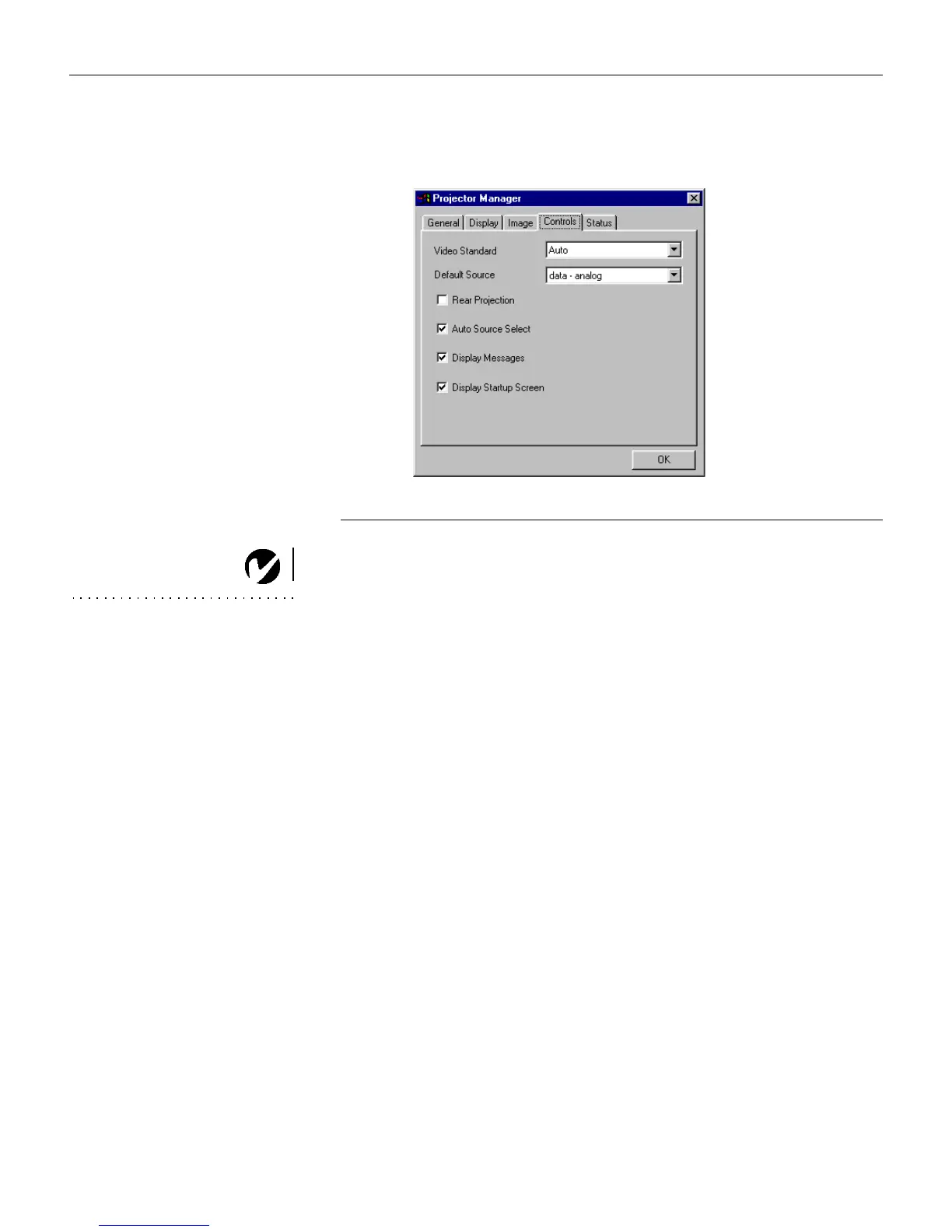
Controls menu
F
IGURE
31
Controls menu
Video Standard
NOTE: If you already know the
video standard used in your
geographical area, it’s often best to
manually select it.
When Video standard is set to Auto, the projector attempts to
pick the video standard (NTSC, PAL, PAL-M, PAL-N, or
SECAM) automatically based on the input signal it receives. (The
video standard options may vary depending on your region of
the world.) If the projector is unable to detect the correct stan-
dard, the colors might not look right or the image might appear
“torn.” If this happens, manually select a standard from the pull-
down menu.
Default Source
This determines which source the projector checks first for active
video during power-up. Select among Data-Analog, Data-Digital,
Composite Video and S-Video from the pulldown menu.
Rear Projection
When you turn
Rear Projection
on, the projector reverses the
image so you can project from behind a translucent screen. Click
the check box to turn this feature on and off.





 To Next Page