Page 20
Copyright© 2019 Ingenico
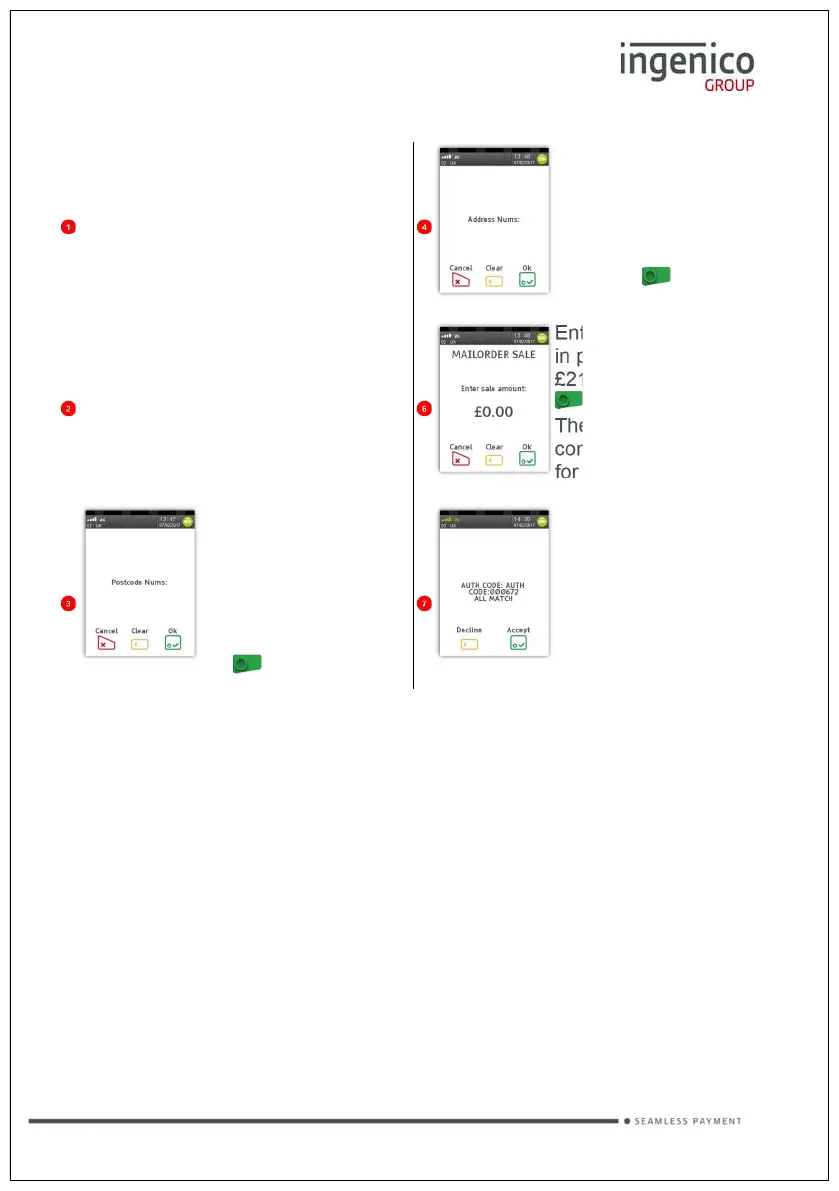
Mailorder Transaction
Initiate a Mail Order
transaction on the POS
If you see this prompt,
enter the numbers from
the card’s billing
address (e.g. 221 for
221b Baker Street) and
press the button.
Enter the Card details,
CSC and AVS info as
required.
Enter the sale amount
in pence (e.g. 2134 for
£21.34) and press the
button.
The terminal will
connect to the acquirer
for authorisation.
When you see this
prompt, enter the
numbers from the
card’s billing address
postcode (e.g. 119 for
KY11 9JU) and press
the button.
If the transaction has
been authorised then
an auth code will be
the CSC/AVS check
result. You must de
Reversals
If a mistake in a transaction is identified immediately after the transaction has
been completed, then the transaction can be completely reversed by selecting
the Reversal function within 30 seconds of the end of the transaction.
This function is particularly useful when the wrong transaction amount has been
entered, and the mistake is only noticed on the customer copy.
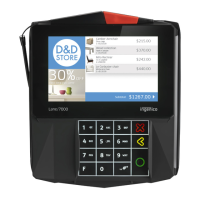
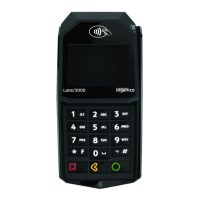
To perform a Reversal select REVERSAL on the POS.
If the 30 second timer has not expired then your terminal will perform the
Reversal, contacting the acquirer if necessary.








 To Next Page