User’s Manual
4. Configuration
4.1 Configuring network settings via iED upgrade tool
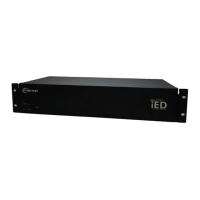
When you have installed the iED N-002 via LAN (refer to Chapter 3), you can configure the
network setting of “iED N-002” via “iED Upgrade Tool” by the following steps.
1. Make sure you have a PC with the TCP/IP network installed.
2. Find “iED Upgrade Tool v1.00.exe” from CD-ROM
3. Double click icon for installation
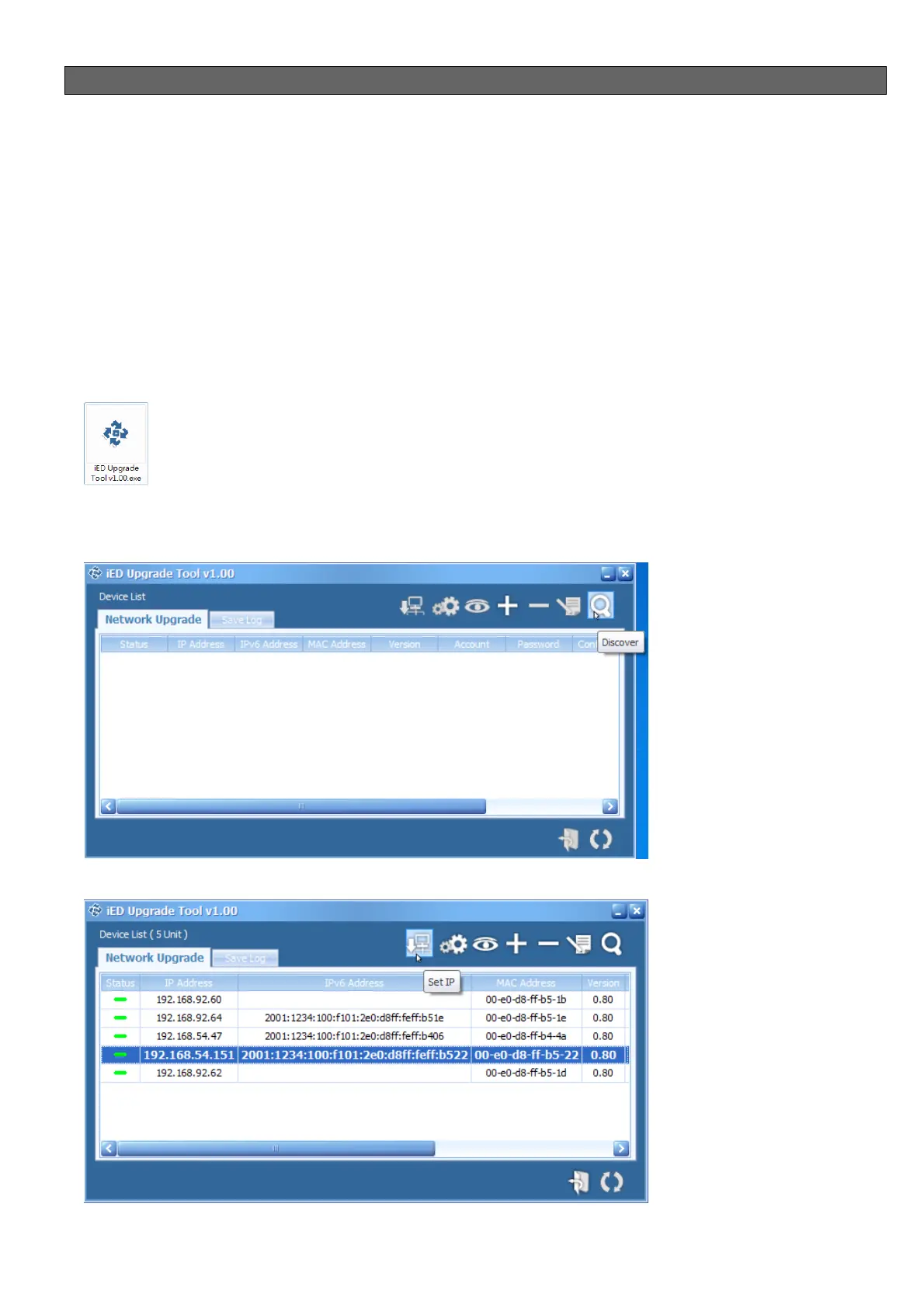
4. After installation completed, please perform “iED Upgrade Tool”
5. Clicking Discover icon to find out the device in the network.
6. One entry was selected, and then to click Set IP icon

 To Next Page
 Loading...