36 Programming the SmartLink-GP
Programming manual
3.10.1 Delete event programming
The event programming can be deleted, for example, if programming errors
occur.
To perform this operation, select, bottom left, Delete, click-on one or more
groups then select Delete: all the selected boxes will be deleted.
3.10.2 Send event-triggered voice message
(SmartLogos60 required)
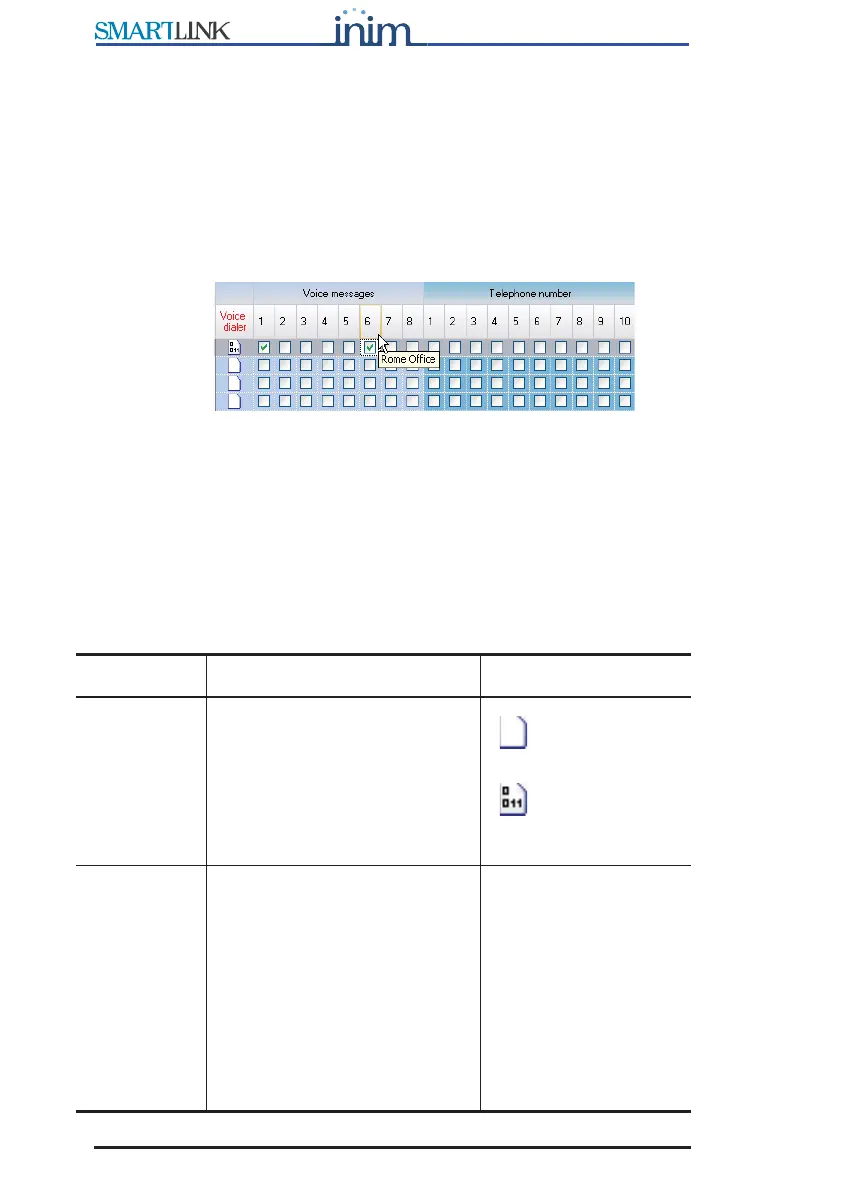
Figure 9 - Events table - Voice messages
Each event can trigger and send one or more voice messages to a specific
phone number.
To allow this, the voice messages must be set up as per the instructions in
paragraph 3.5.3 Setting up the voice dialler messages (requires
SmartLogos60 voice board). In this way, the description of the message to
send will appear in the message list.
For example, to warn one or more persons of active intrusion.
Parameter Description Note
Voice dialler Folder containing 'send voice
message' parameters. Double
click to open: columns
containing the successive
parameters will appear. Double
click to close.
=no parameter
has been set
=some
parameters have been
set.
Voice
messages
Check boxes corresponding to
the voice messages defined in
the Voice message table. The
message description appears
when you mouse over the
respective number on the tooltip
bar. You can select several voice
messages to be played one after
another. For example, you can
record a single "address"
message to be added to all the
event messages.



 To Next Page