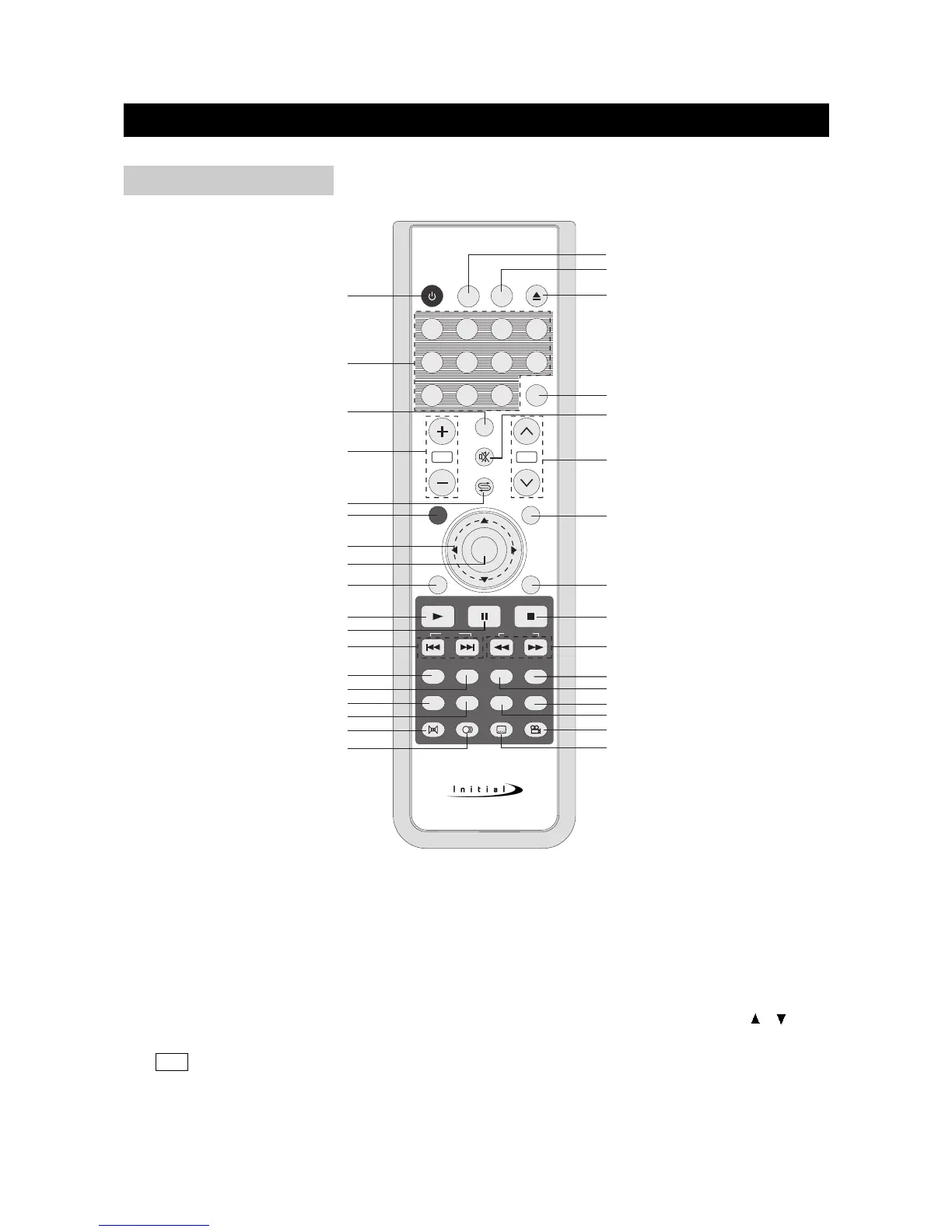
1) POWER: Use to turn the unit on and off.
2) Number Buttons: Use to set the channel and to enter DVD chapter numbers.
3) CAPTION: Use to select close caption mode.
4) VOLUME+/-: Use to adjust the volume.
5) LAST: In TV mode, press to return to the previous channel; in other mode, press to change to
the previous mode.
6) TV/DVD/AUX/PC: Use to bring up the AV signal source selection screen and use the /
buttons to select between: TV, AV,S-Video, DVD/USB/CARD, YPbPr,VGA, DVI and press the
OK button to confirm.
7) Cursor Buttons: Use to navigate in menus.
FUNCTIONAL OVERVIEW
page8
REMOTE CONTROL



 To Next Page