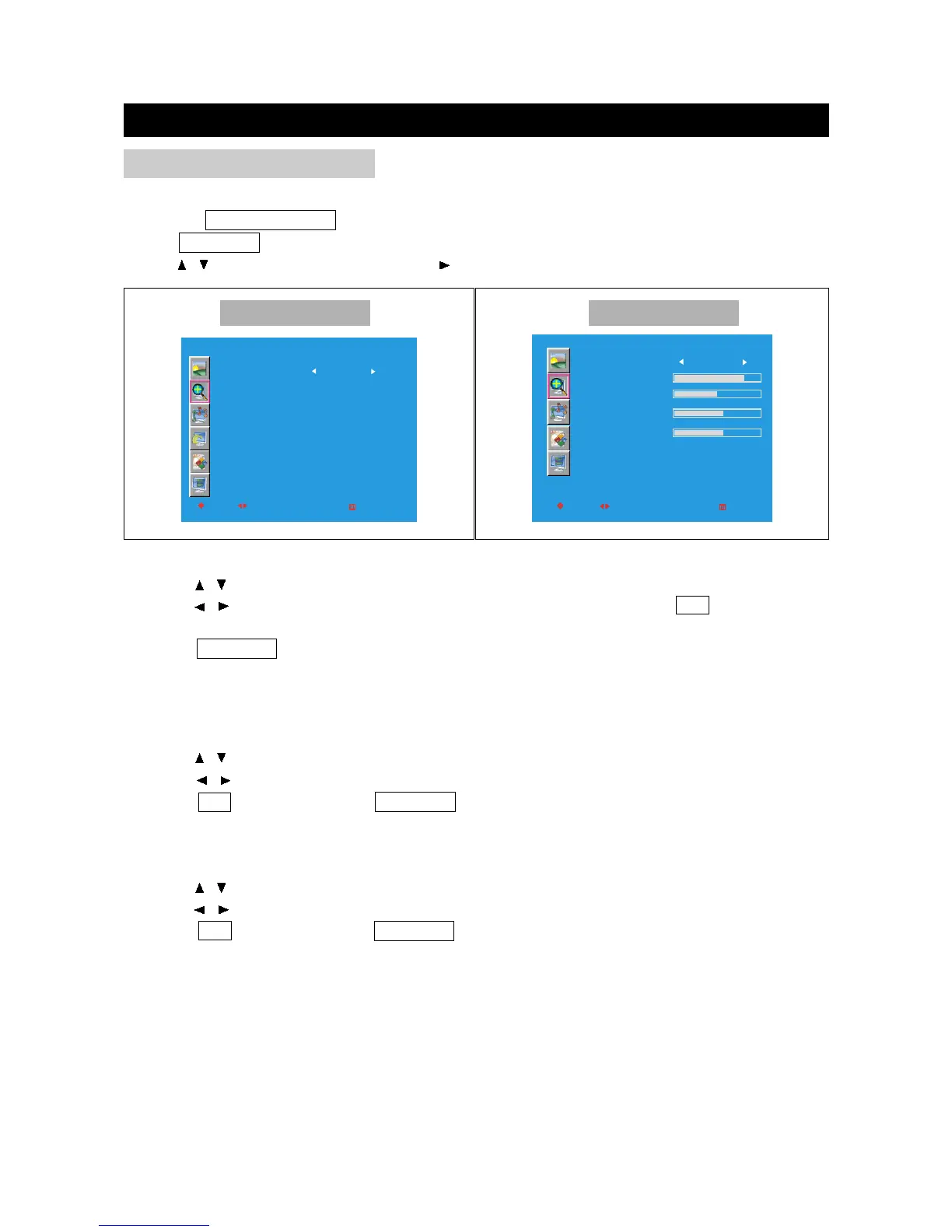
SCREEN
SIZE
H-POSITION
V-POSITION
PIXEL CLOCK
PHASE
AUTO ADJUST
MOVE
SELECT
RETURN
FULL
EXIT
OK
MODE
Use to adjust display mode of the playback picture.
Press the TV/DVD/AUX/PC button to select various signal modes.
Press TV MENU to enter LCD menu.
Press / to select "Size", and then press to enter "Size" menu.
Size
1. Press / to select "Size" in "Size" menu.
2. Press / to select Size among: Full, Zoom1, Zoom2 and Normal; press OK to return to the
"Screen" menu.
3. Press TV MENU to exit.
Note: In PC and DVI mode, only Full and Aspect are available.
Other Mode PC Mode
H-Position
You can move the PC picture to left and right on the screen.
1. Press / to select "H-Position" in "SIZE" menu.
2. Press / to adjust the horizontal position of the PC picture.
3. Press OK to return and press TV MENU to exit.
V-Position
You can move the PC picture to up and down on the screen.
1. Press / to select "V-Position" in "SIZE" menu.
2. Press / to adjust the vertical position of the PC picture.
3. Press OK to return and press TV MENU to exit.



 To Next Page