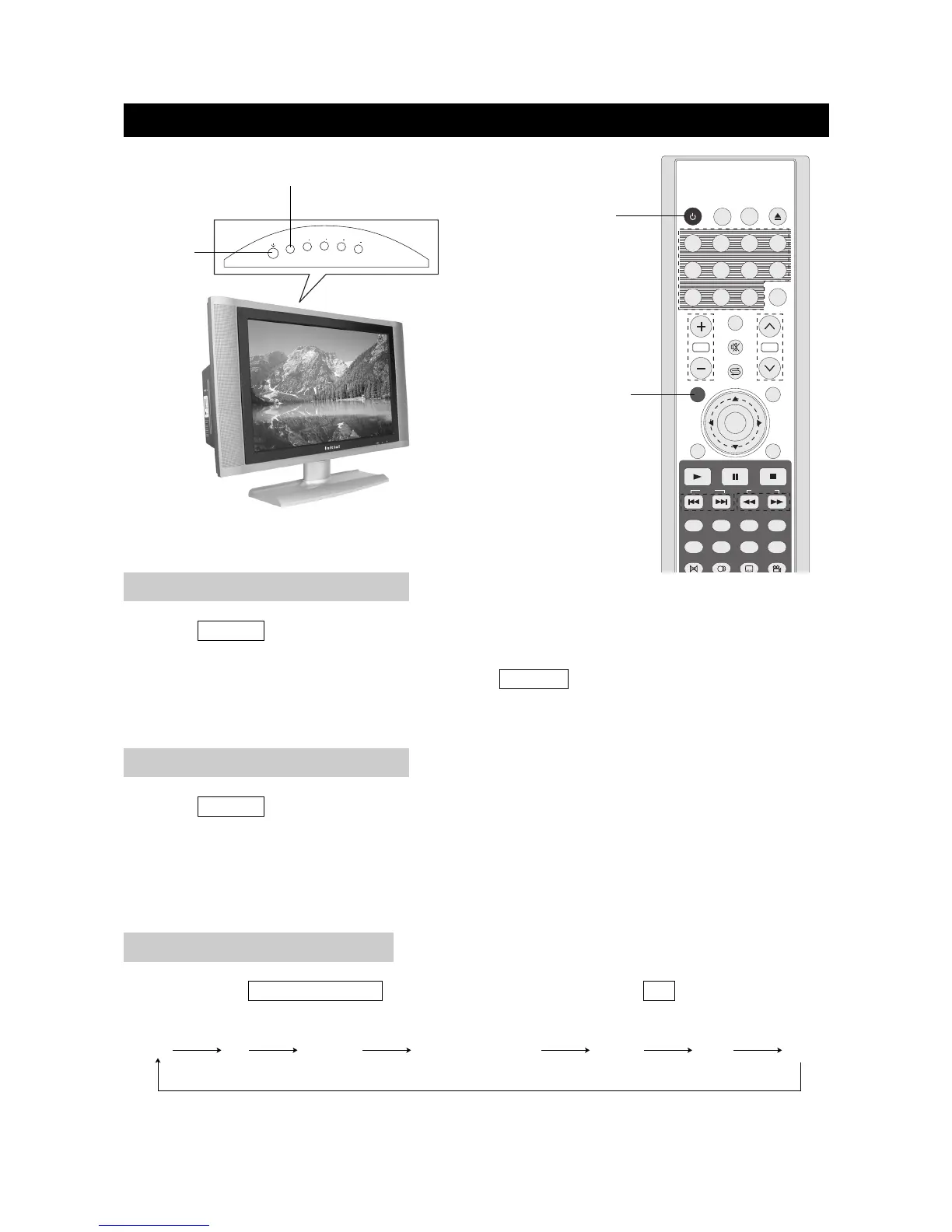
1. Press POWER button on the front panel to turn on the TV set. The POWER indicator lights up
green.
2. If the STANDBY indicator still lights up red, press POWER on the remote control to turn the TV
set on.
BASIC OPERATIONS
page12
TURNING ON THE POWER
1. Press POWER on the remote control, the image on the screen disappears and the
STANDBY indicator lights up red.
NOTE: Small amounts of electric power is still consumed even when the power is turned off.
TURNING OFF THE POWER
By pressing the TV/DVD/AUX/PC on the TV set and confirming by the OK button, you can
change the mode as follows:
TV/AV MODE SELECTION
POWER



 To Next Page