BASIC ADJUSTMENT SETTINGS
page25
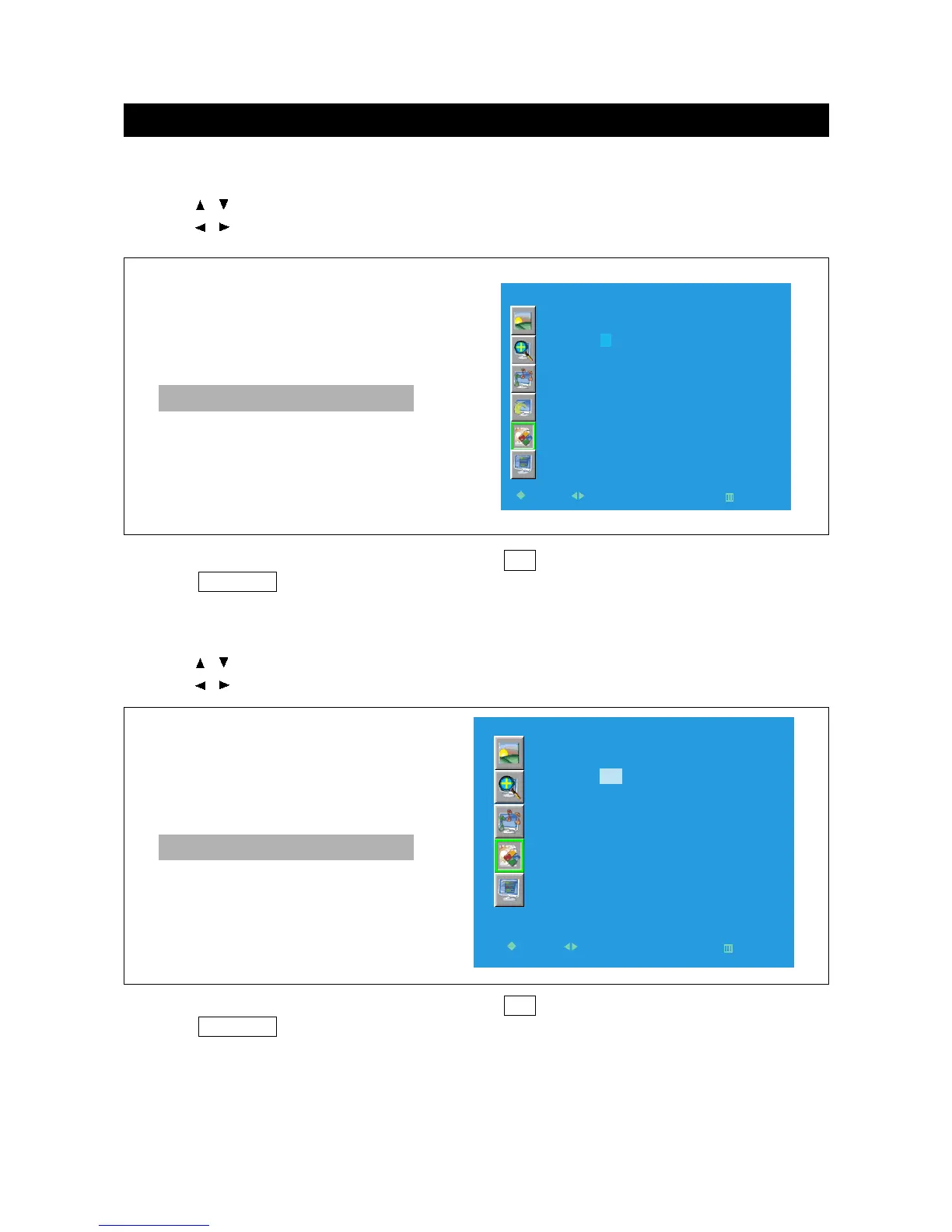
TV-Rating
1. Press / to select "TV-Rating" in " Parent Control" menu .
2. Press / to enter "TV-Rating" menu.
3. Press direction buttons to select the items, press OK to select B (block) or U (unblock).
4. Press TV MENU to return to the previous menu.
3. Press direction buttons to select the items, press OK to select B (block) or U (unblock).
4. Press TV MENU to return to the previous menu.
Movie-Rating
1. Press / to select "Movie-Rating" in " Parent Control" menu .
2. Press / to enter "Movie-Rating" menu.



 To Next Page