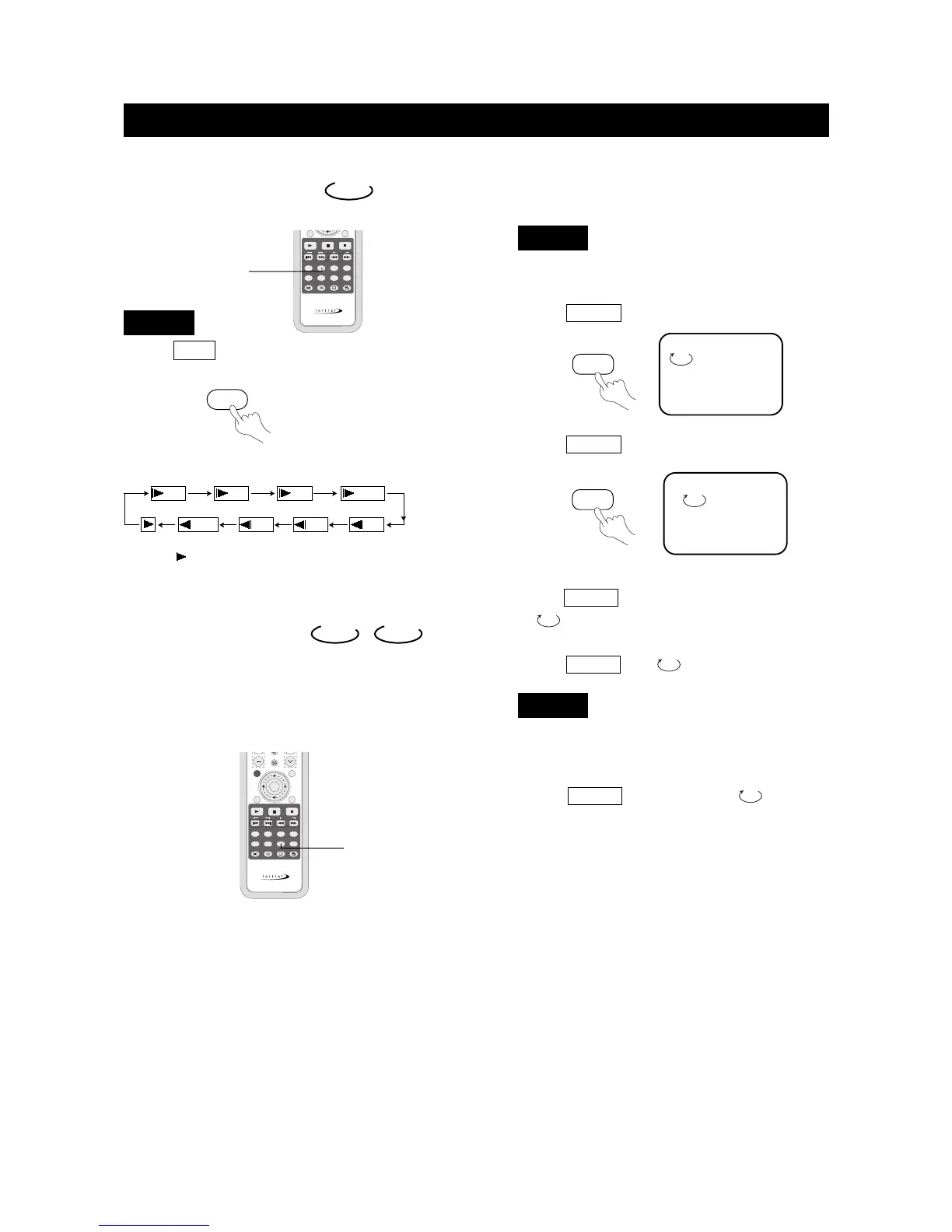
Slow Play
Enjoy slow motion by the following the steps below.
1. Press SLOW to play in slow motion.
The screen shows the following in order:
DVD
2. Press (PLAY) to resume play at normal speed.
DVD
1/4 1/8
1/41/81/16
1/2 1/16
1/2
Repeat Play
This function can be used to repeatedly play a title,
chapter, track, or a whole disc.
DVD
CD
、
Playing A Disc Repeatedly
You can repeat a title or chapter.
1. To repeat a chapter:
Press REPEAT , the screen will show:
2. To repeat a title:
Press REPEAT twice, the screen will show:
3. To repeat all:
Press REPEAT third time, the screen shows
" ALL".
4. To remove "REPEAT" function:
Press REPEAT until " ALL" disappears.
● You may repeat a track or an entire disc according to
the following steps.
1. To repeat a track:
Press REPEAT , the screen shows" TRACK".
The unit plays the current track.
TITLE
CHAPTER
DVD
CD
SLOW



 To Next Page