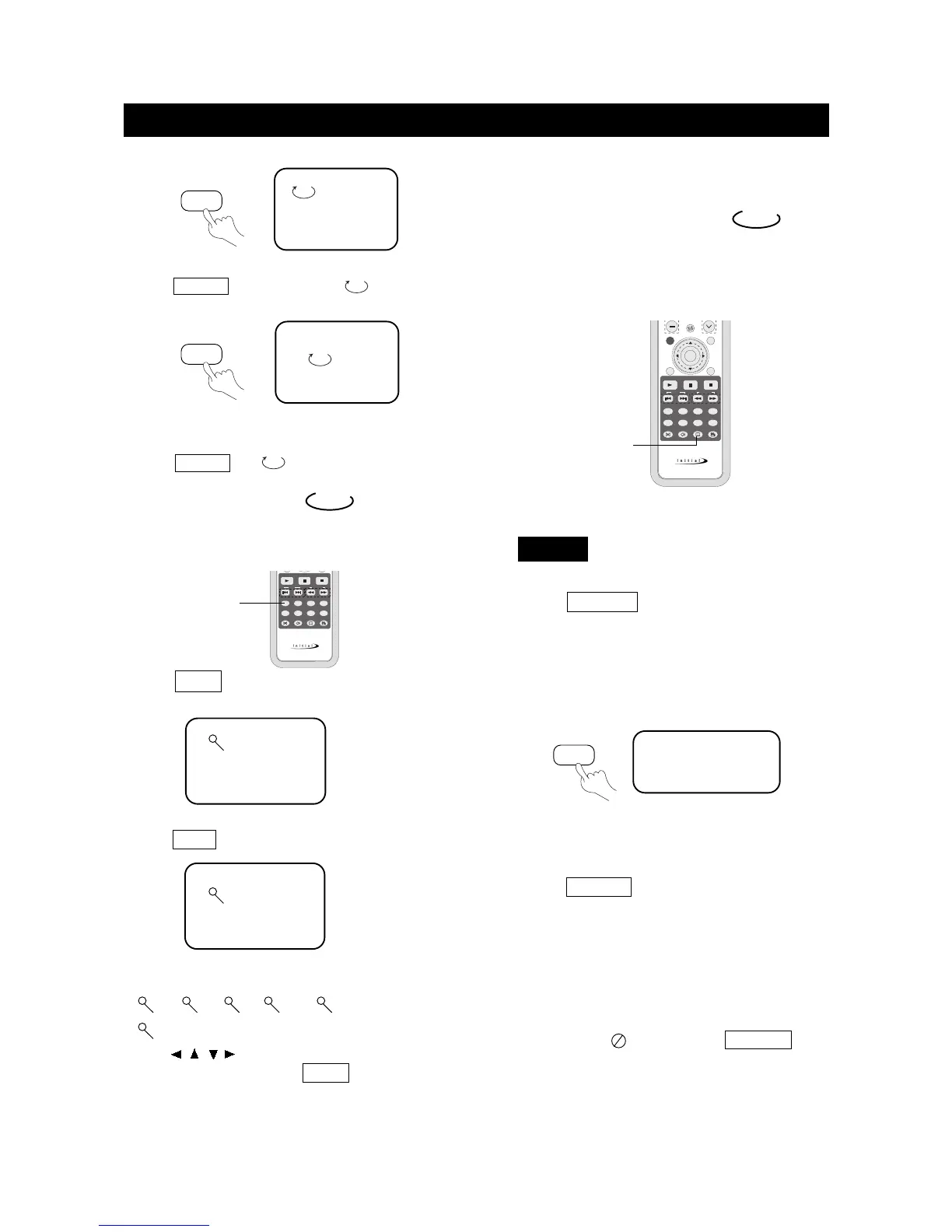
2. To repeat a disc:
Press REPEAT , the screen shows " ALL".
The unit plays all the tracks on the disc.
3. To remove "REPEAT" function:
Press REPEAT till " ALL" disappears.
ALL
TRACK
Select Subtitles
This operation works only with discs with multiple subtitle
languages recorded.
DVD
1. Press SUBTITLE repeatedly until the desired
language is selected.
The screen shows:
2. Remove the subtitle.
Press SUBTITLE until the screen shows "TURN
OFF SUBTITLE".
Notes:
●
For some discs, subtitles cannot be removed.
●
Different discs differ in the language of subtitles.
●
If the subtitles of discs cannot be selected, the
screen shows " " when you press SUBTITLE .
SUBTITLE01/03:ENGLISH
DVD
SUBTITLE
SUBTITLE
page38
PLAY DISCS IN VARIOUS WAYS
REPEAT
REPEAT
Zoom Play
This function can be used to watch a motion or
motionless picture.
1. Press ZOOM during playback,
the screen shows:
The picture is enlarged twice the size.
2. Press ZOOM again, the screen shows:
The picture is enlarged three times the size.
Note: The unit has six zoom levels:
3. Press , , , to move the enlarged picture.
4. To resume the picture, press ZOOM until the
picture is in normal size.
2X
DVD
3X
2X,
1/4 .
3X, 4X, 1/2 , 1/3 , and
ZOOM



 To Next Page