page16
BASIC ADJUSTMENT SETTINGS
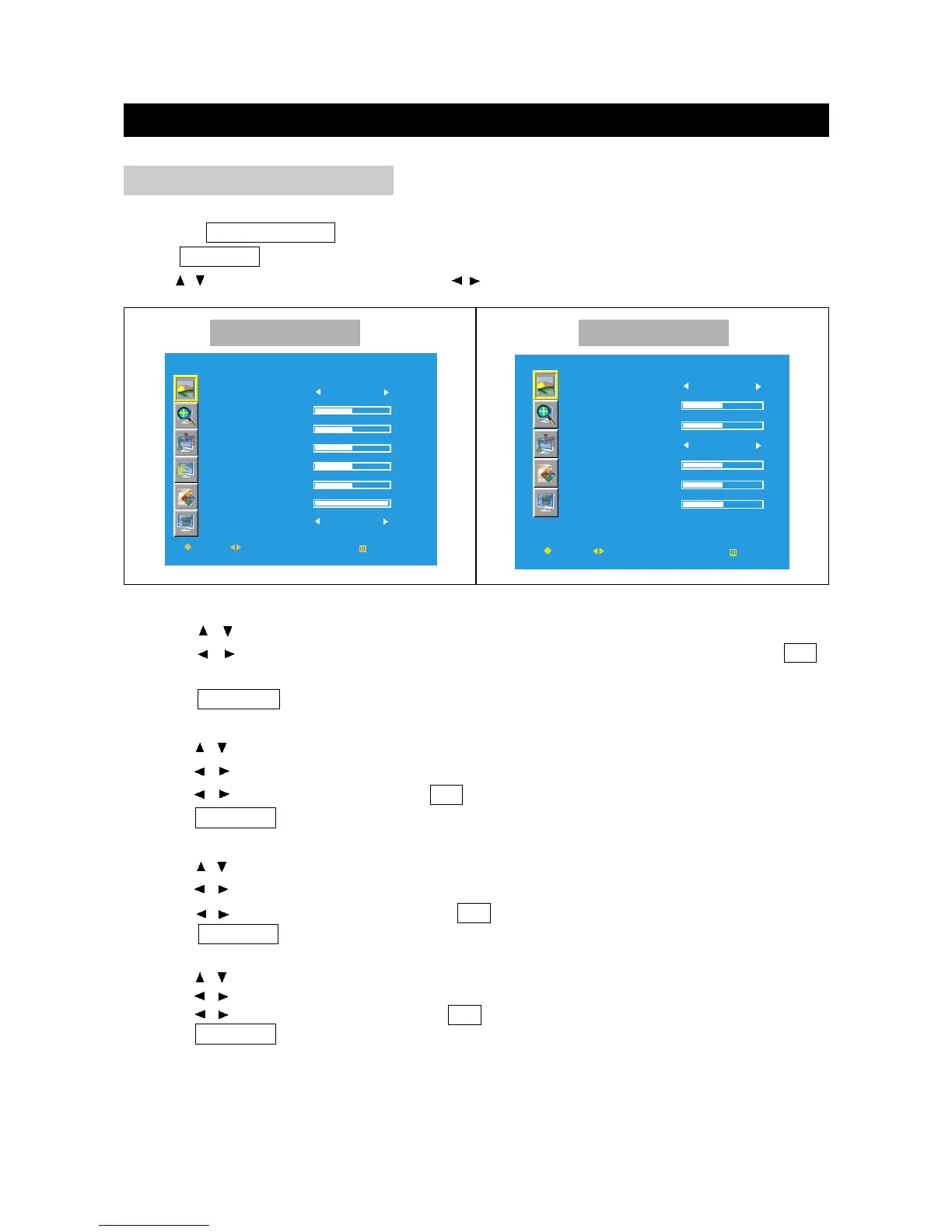
You can get the satisfied picture by adjusting the following picture setting menu.
Press the TV/DVD/AUX/PC button to select various signal modes.
Press TV MENU to enter LCD menu.
Press / to select "Picture", and then press / to enter "Picture" menu.
PICTURE ADJUSTMENT
PICTURE
PICTURE
CONTRAST
BRIGHTNESS
COLOR TEMP
COLOR - R
COLOR - G
COLOR - B
MOVE
SELECT
RETURN
PERSONAL
EXIT
OK
MODE
USER
Picture Mode
1. Press / to select "Picture Mode" in "Picture" menu.
2. Press / to select the Picture Mode among: Personal, Natural, Bright and Soft; press OK
to return to the "Picture" menu.
3. Press TV MENU to exit.
Brightness
1. Press / to select brightness in Picture menu.
2. Press / to enter the brightness menu:
Other Mode PC Mode
Contrast
1. Press / to select "Contrast" in "Picture" menu.
2. Press / to enter the contrast menu.
3. Press / to adjust the contrast; press OK to return to the "Picture" menu.
4. Press TV MENU to exit.
3. Press / to adjust the brightness ; press OK to return to the Picture menu.
4. Press TV MENU to exit .
Sharpness
1. Press / to select "Sharpness" in "Picture" menu.
2. Press / to enter the sharpness menu.
3. Press / to adjust the sharpness; press OK to return to the "Picture" menu.
4. Press TV MENU to exit.



 To Next Page